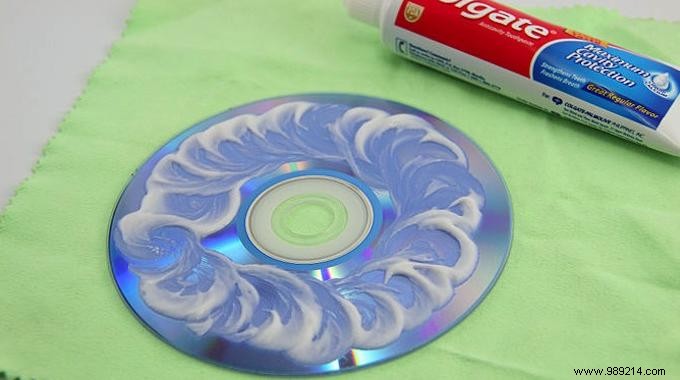
Scratched DVD skipping playback? In any collection, those marred discs gather dust, seemingly unplayable.
We hold onto them, resigned to never watching again—until now. This reliable hack uses toothpaste to buff out micro-scratches, restoring smooth playback. It works equally well for CDs. As someone who's rescued dozens of favorites this way, I can vouch for its effectiveness.
Here's how:
 Contents
 1. Examine the disc's shiny side. Deep or wide scratches may be beyond repair; target shallow ones that cause skipping.
2. Rinse under lukewarm, soapy water to clear debris that could cause further damage.
3. Place shiny side up on a soft, lint-free cloth like chamois leather.
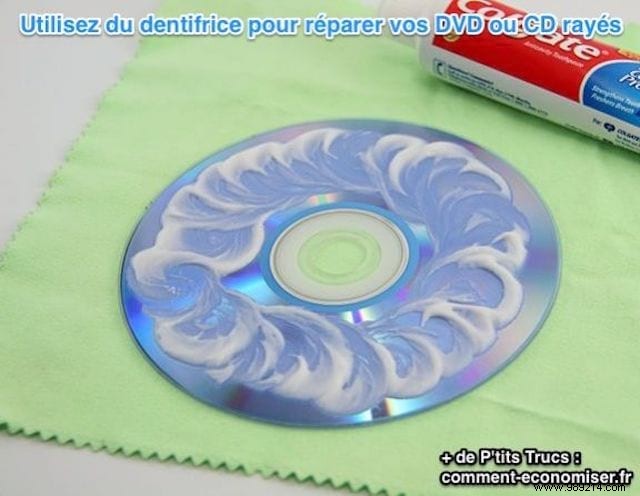
4. Apply toothpaste generously with your index finger, rubbing in circles over the reflective surface, then let sit for 5 minutes.
5. Rinse thoroughly with clean water, ensuring no residue remains.
6. Dry carefully with paper towels or a lint-free cloth to avoid re-scratching.
Scratches gone—your CD or DVD plays flawlessly! :-) Simple, economical, and beats discarding treasures.
