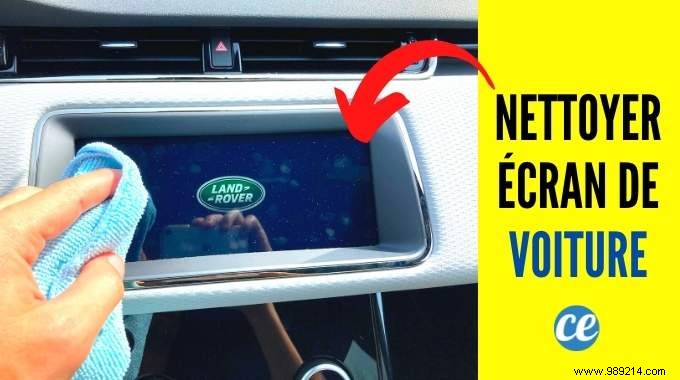
From GPS displays and trip computers to multimedia interfaces, touchscreens are standard in modern vehicles. These screens accumulate fingerprints, dust, and grime quickly. As an automotive care specialist with years of hands-on experience, I'll share the 9 key mistakes to avoid for safe, effective cleaning—preventing damage and maintaining functionality.
To clean effectively, power down the screen first—via ignition off or the dedicated control. This reveals hidden fingerprints and dust that backlight obscures. It also reduces static electricity buildup, protecting sensitive electronics from potential damage.
Regular maintenance is key: the sooner you address dirt, the easier it removes. Daily exposures like splashes, fingerprints, and dust can scratch or degrade the surface. A quick wipe with a microfiber cloth takes under a minute—do this weekly to simplify monthly deep cleans.
White vinegar's acidity can corrode touchscreen coatings. Steer clear of soap (leaves residue) and ammonia (too harsh). Stick to safe alternatives for lasting protection.
Dry microfiber can scratch if dust is present. Always dampen slightly with tap or mineral water first. This simple step prevents micro-abrasions.
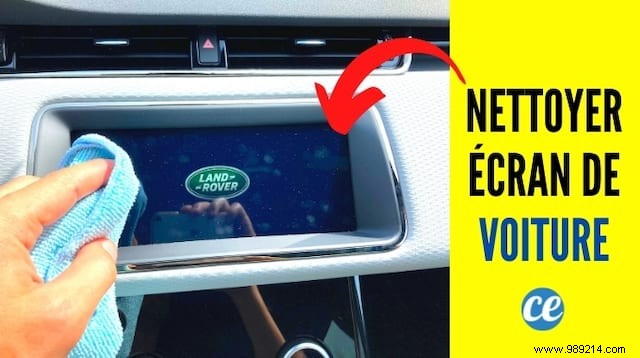
Direct spraying risks liquid seepage behind the display, causing shorts. Apply sparingly to your cloth instead for controlled, safe cleaning.
Harsh products erode anti-reflective and oleophobic coatings essential for clarity and grease resistance. Use plain water on microfiber for routine care; hydroalcoholic gel for tough grime.
Opt for clean, glass-specific microfiber—paper towels, toilet paper, or household cloths are abrasive and leave scratches or lint. Avoid dirty cloths too.
Letting water or gel air-dry leaves streaks. Buff with a dry microfiber section right away for a spotless finish.
Dust embeds in borders if ignored. Use compressed air first, then a lightly moistened cotton swab around the frame—gently, without pressing. Never insert objects like cards, as they trap more debris.
