Imagine seeing a message on your screen: “Your TV has been hacked.” A few years ago, this would have sounded absurd. But today, Smart TVs—much like computers and smartphones—can indeed fall victim to cyberattacks.
Thankfully, widespread incidents remain rare for now. However, as these devices grow more connected, vulnerabilities are emerging. Forward-thinking users are already adopting antivirus tools and other safeguards. Knowledge is your first line of defense.
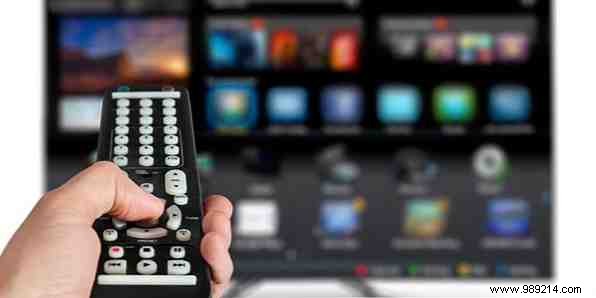
Don't panic if you own a traditional TV—it's safe without internet access. Risks only arise with Smart TVs plugged into the web. Traditional televisions have operated securely for decades; connectivity changes everything.
A Smart TV blends television with computer-like features: web browsing, app installations, voice controls, and streaming. Most modern TVs qualify as 'smart.' While not insecure by design, active internet use exposes them to threats. For more on top models, see What is a Smart TV? 6 of the best on the market today.
The primary threat? Spying. Echoing concerns from the NSA PRISM scandal (detailed here), hackers could activate your TV's camera or microphone without consent.
Research from last year's Black Hat conference revealed vulnerabilities in multiple Smart TV models allowing attackers to:
Add malware, and the dangers escalate: corrupted data, bricked devices, or embarrassing social media posts. Worse still is the paranoia of unseen surveillance. Viruses can spread if your TV holds contact info.
While no massive exploits have hit yet, proven cybersecurity practices apply. Here's how experts recommend securing your Smart TV:
From PCs to phones and now TVs, the internet demands constant awareness. Complacency is the biggest risk—stay informed and proactive.
Own a Smart TV? Concerned about these vulnerabilities? Share your experience in the comments below.
