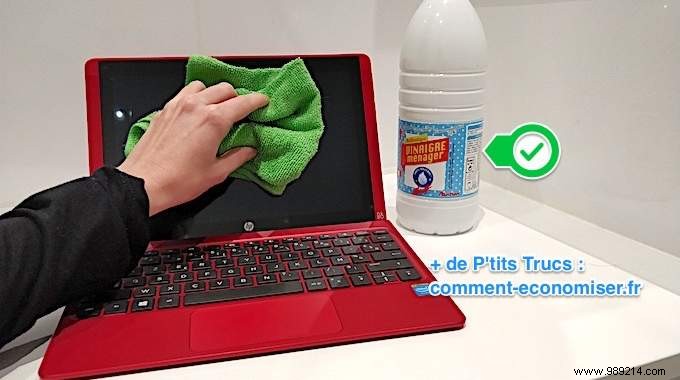
Computer screens are notorious dust magnets, thanks to static electricity that pulls in every speck of dirt in sight.
In just a few days, a hazy film builds up, making it hard to see clearly. Skip the pricey screen wipes—there's a proven, budget-friendly trick to keep your PC or Mac display spotless three times longer.
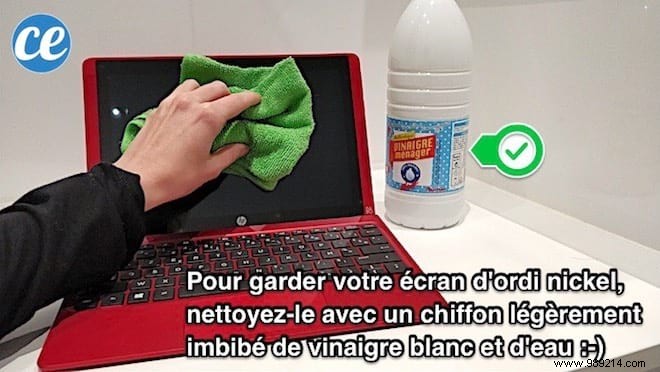
The secret? Gently wipe the screen with a microfiber cloth soaked in a white vinegar solution. Here's how:
- A bowl
- Cotton swabs
- A microfiber cloth
- White vinegar
- Water
1. Mix equal parts white vinegar and water in the bowl.
2. Dip the microfiber cloth into the solution.
3. Wring it out well to avoid excess moisture.
4. Gently wipe the screen in one direction.
Voilà! Your screen is now crystal clear and will stay that way three times longer :)
Say goodbye to dust, grime, and fingerprints.
For convenience, use a spray bottle to apply the solution directly. Dip cotton swabs in the mix for stubborn corners.
This method works on all screens: laptops (MacBook, Samsung, etc.), desktops, tablets, cameras, and even Nintendo 3DS.
White vinegar neutralizes static electricity better than most cleaners. Less static means less dust attraction, so you clean far less often.
