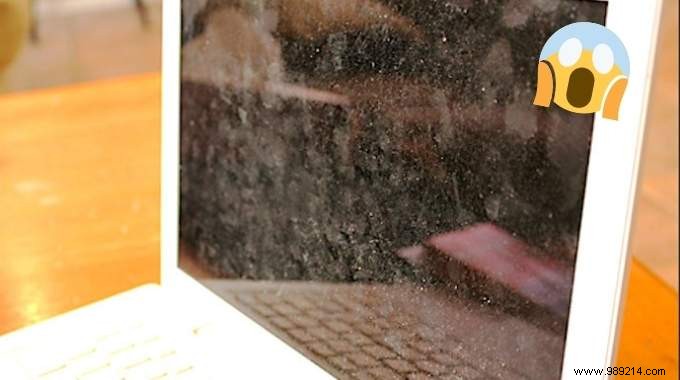
Struggling to see through smudges on your laptop or desktop screen? Screens accumulate dirt, fingerprints, and grime quickly from daily use. As someone who's maintained tech devices for years, I've found a simple, effective solution: a gentle white vinegar mix that cleans without streaks or damage.
Learn how to use diluted white vinegar and a microfiber cloth for professional results.
 Contents
 - 1 teaspoon white vinegar
- 2 tablespoons low-mineral water (distilled, spring, or filtered)
- 1 spray bottle
- 1 microfiber cloth (window or lint-free cotton)
1. Pour the water into the spray bottle.
2. Add the white vinegar.
3. Shake well to mix.
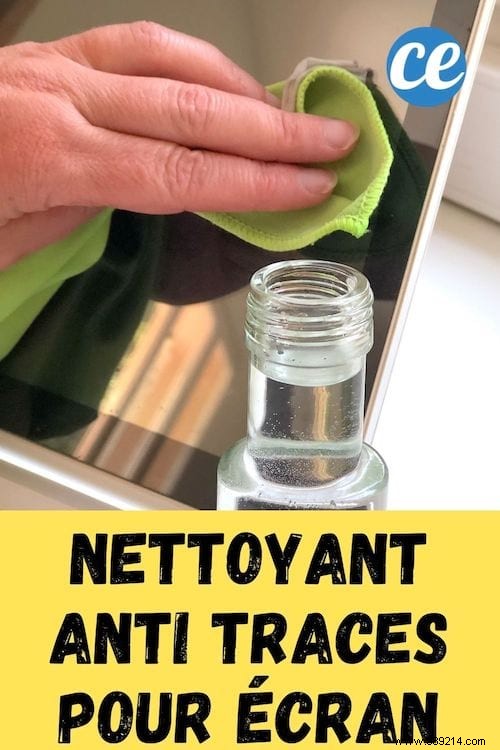
4. Lightly mist the microfiber cloth (do not spray directly on screen).
5. Gently wipe the screen in circular motions.
6. Let it air dry completely.

Your screen is now sparkling clean and streak-free! No more fingerprints or haze on your PC, MacBook, gaming rig, smartphone (like iPhone), iPad, TV (Samsung or others), tablet, or even Nintendo Switch. It works great on LCD, OLED screens, and eyeglasses too.
This DIY method is fast, affordable, and rivals commercial wipes—without the cost.
Prepare only what you need fresh each time, as it doesn't store well. Always use low-mineral water to prevent water spots.
White vinegar's acetic acid cuts through grease and fingerprints effortlessly—common on touchscreens. It also disinfects surfaces, which is crucial since phones can harbor more bacteria than toilet seats. Studies show vinegar effectively neutralizes viruses, including coronaviruses.
Avoid using on car screens, as they may have special coatings.
Power off your device before cleaning. Always review your manufacturer's guidelines to ensure compatibility. Test on a small area first.
