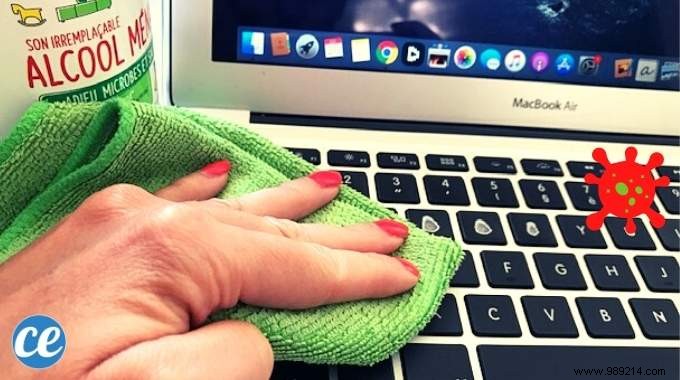
Your computer keyboard ranks among the dirtiest surfaces we touch daily. Every keystroke collects crumbs, oils, and grime, turning it into a breeding ground for bacteria—over 500 per square centimeter.
Fortunately, as tech maintenance experts with years of experience helping users keep devices hygienic, we recommend a simple, proven method using rubbing alcohol on a microfiber cloth. It's effective, safe, and won't damage your keyboard.
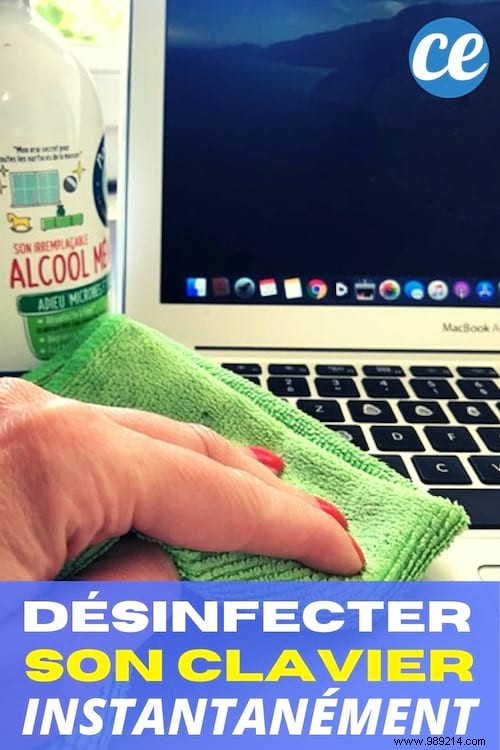
- Rubbing alcohol (70% or household alcohol)
- Microfiber cloth
1. Power off your computer completely.
2. Dampen the microfiber cloth lightly with alcohol—avoid soaking it.
3. Wipe the keyboard thoroughly, focusing on stained or grimy areas and between keys.
4. Let it air dry for 2 minutes before use.
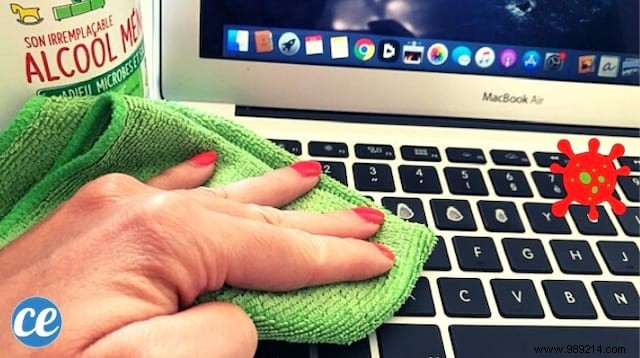
Voila! Your keyboard is now spotless, disinfected, and germ-free. This natural method is quick, cost-effective, and ideal for reducing contamination risks, especially in today's health-conscious world.
For easier application, transfer the alcohol to a spray bottle and mist the cloth sparingly. It works equally well on MacBooks, laptops, or desktop PCs.
This technique also excels at removing stubborn smudges from computer screens and phones, which harbor even more bacteria. Power off first, then gently wipe in circular motions with the damp cloth.
Rubbing alcohol is a powerful bactericide and virucide, eliminating microbes on contact. The microfiber cloth ensures precise application between keys without liquid seeping into electronics, protecting your device.
