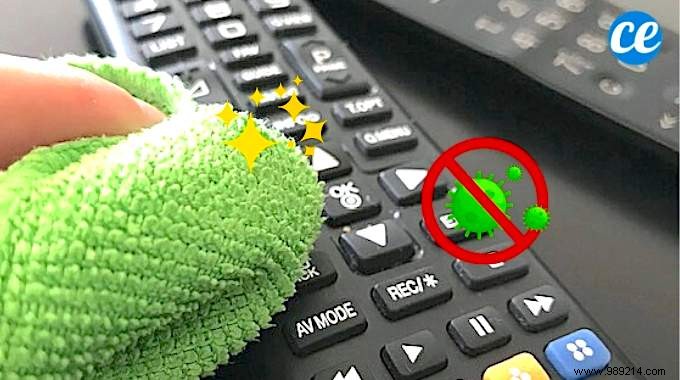
Remote controls, much like smartphones, rank among the germiest items in your home. They're handled constantly by hands that aren't always clean, making them hotspots for bacteria and viruses—especially during outbreaks like COVID-19.
Most people overlook cleaning them, leading to sticky buildup. Fortunately, as cleaning experts recommend, a simple vinegar solution effectively degreases and disinfects them without harsh chemicals.
The key: Wipe with a cloth soaked in a vinegar-water mix.
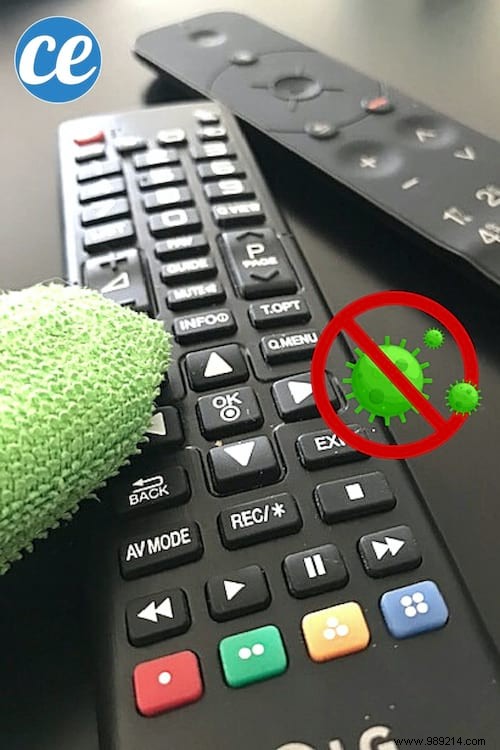
- White vinegar
- Water
- Clean cloth
- Cotton swabs
- Bowl
1. Remove the batteries from the remote.
2. In a bowl, mix equal parts white vinegar and water.
3. Soak the cloth in the solution and wring it out well.
4. Wipe the entire remote with the damp cloth.
5. Dip a cotton swab in the solution.
6. Use the swab to clean around each button and crevice.
7. Dry thoroughly with a clean, dry cloth.
8. Reinsert the batteries.
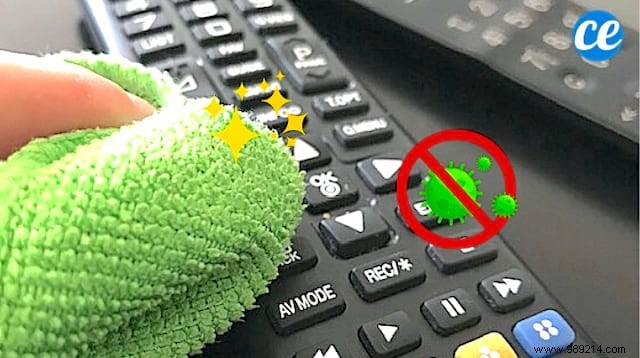
Your remote is now spotless, disinfected, and ready to use! This method is quick, effective, and safe when done right.
Tip: Use only a lightly damp cloth to protect electronics. If liquid enters the battery compartment, wipe it dry immediately.
This works for TV remotes (Freebox, Orange, Apple TV, DVD players) and smart home devices like roller shutters, AC units, or gates.
White vinegar naturally degreases sticky surfaces and has antimicrobial properties that sanitize without damaging plastics or electronics. Cotton swabs ensure thorough cleaning in hard-to-reach button gaps.
