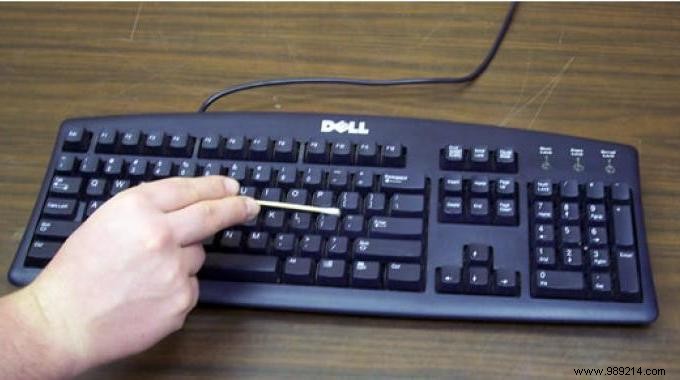
Did you know your computer keyboard is one of the dirtiest surfaces in your home? Studies show it's up to 5 times dirtier than your smartphone and harbors 60 times more germs than a toilet seat (see the study).
With daily use, it traps crumbs, hair, bacteria, and more—a true germ hotspot.
Cleaning it thoroughly can seem tricky, but this proven method makes it simple and effective. Watch how:

What You'll Need
- Vinegar
- A soft brush
- Cotton swabs
- Microfiber cloth
Step-by-Step Guide
- Shut down your computer.
- Unplug the keyboard.
- Turn it upside down and gently shake to dislodge debris.
- Place it right side up on a flat surface.
- Wet the brush under running water.
- Wring it out well by pinching between your fingers.
- Brush over all keys to remove crumbs and dust.
- Dip a cotton swab in white vinegar.
- Wring it out thoroughly.
- Run the swab between keys to disinfect; replace when dirty.
- Take a microfiber cloth.
- Dampen lightly with white vinegar.
- Gently wipe the entire keyboard.
- Let air dry for at least 10 minutes.
- Reconnect once fully dry.
The Result
Your keyboard is now spotless, disinfected, and ready for use—no more lurking germs! Repeat monthly for best hygiene.
This method works great for your mouse too.
Your Turn
Have you tried this? Share your experience or other tips in the comments—we'd love to hear from you!
