Setting up home automation with Philips Hue is straightforward, thanks to its intuitive app. As a smart home enthusiast with years of experience optimizing Hue setups, I'll walk you through six proven automations that I've used to make daily life smoother and more enjoyable.

You'll need compatible smart bulbs to begin. The Philips Hue White and Color Ambiance Starter Kit is the ideal starting point, featuring four bulbs and a hub compatible with Amazon Alexa, Apple HomeKit, and Google Assistant. Many third-party Hue-compatible bulbs work too, though setup may vary slightly.
Philips Hue White and Color Ambiance A19 60W Equivalent LED Smart Bulb Starter Kit (4 A19 Bulbs and 1 Hub Compatible with Amazon Alexa Apple HomeKit and Google Assistant) Buy Now On Amazon $171.77
A smartphone is all else required—which you likely have. These instructions are based on Android, so iOS steps may differ slightly.
Start your day right with a sunrise-like fade. In the Hue app (available on Android and iOS), tap the Routines icon (clock in the top bar), then Wake up and Add new.
Set the time, name it, choose repeat days, fade duration (10, 20, or 30 minutes), and up to four rooms or specific bulbs.
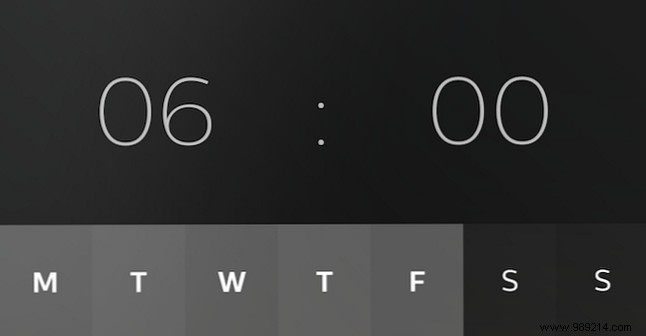
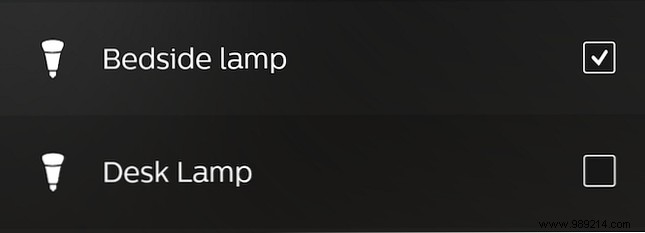
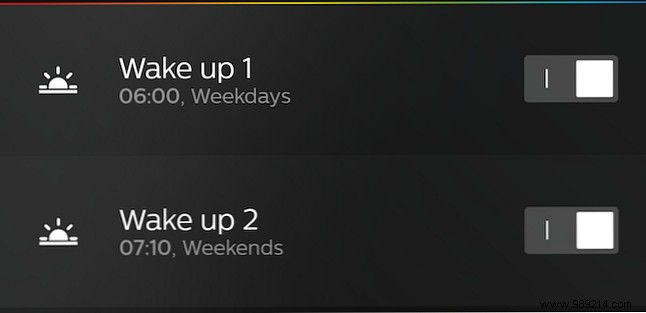
Save, and manage alarms from the list—edit, toggle, or delete as needed. Customize for weekdays (e.g., 6 AM) versus weekends (7:10 AM).

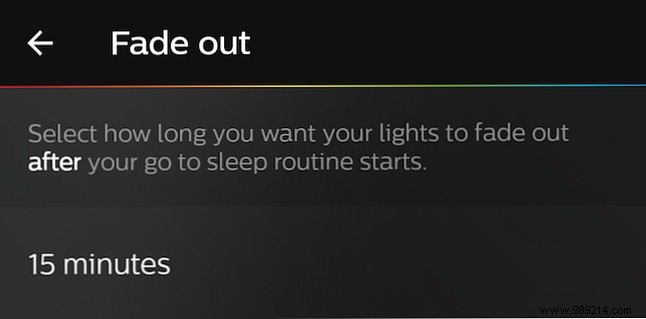
From Routines, select Go to sleep. Mirror wake-up setup but with fade-out options (15, 30, 45, or 60 minutes). Lights must be on initially; e.g., 10 PM start dims fully by 10:30 PM.
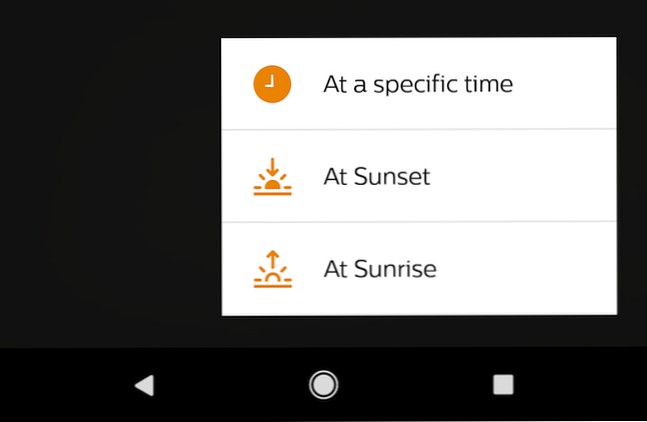
For more flexibility, use Other routines. Add new at a specific time, random time, sunset, or dawn—with instant-to-30-minute fades, colors, scenes, and location-based sun triggers (requires phone location).



Under Timers in Routines, add a named timer with duration, room, scene, effect (e.g., flash, off, or restore state).

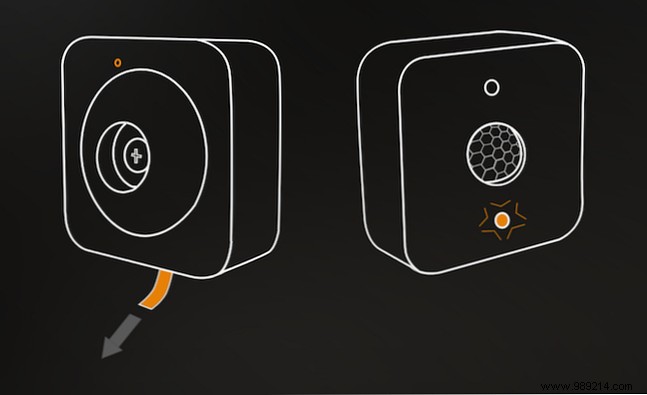
Pair the Hue Motion Sensor (~$40, wireless) via Settings > Accessories. Automate on motion or no-motion (e.g., dim after 5 minutes, off after 10). Adjust sensitivity, time-of-day actions, and daylight threshold.
Philips Hue Motion Sensor for Smart Lights (No Installation, Smart Home, Exclusively for Philips Hue Smart Light Bulbs) Buy Now On Amazon $27.19
IFTTT connects Hue to endless triggers. Favorites include: hourly random colors, rain alerts (blue lights), doorbell flashes, text-based color changes, and email notifications.
These automations open endless possibilities—red for brushing teeth, blue for bedtime stories. What's your favorite Philips Hue automation? Share in the comments!
