As a smart home expert with years of experience integrating Philips Hue systems, I recommend the Hue ecosystem for its reliability and seamless performance. While alternatives exist, Hue's lights and accessories remain the gold standard for most users.
Whether you're linking Hue to Apple HomeKit, building automations, or expanding your setup, the motion sensor is a game-changer. I'll guide you through setup and optimization based on real-world testing.
Philips Hue Motion Sensor for Smart Lights (No Installation, Smart Home, Exclusively for Philips Hue Smart Light Bulbs) Buy Now On Amazon $27.19
Setup is straightforward. Remove the plastic tab from the battery compartment to activate it. Place it on a surface or mount it using the included bracket and a single screw.
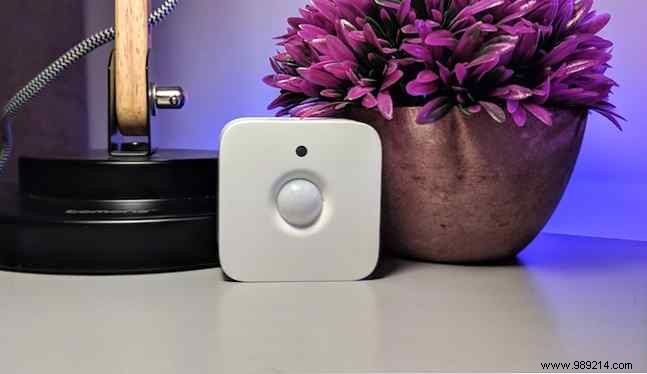
Position strategically—low in hallways or high in bedrooms. Consider the detection angle to capture relevant motion from people or pets while minimizing false triggers.
Use the Hue app for pairing.
Open Settings (cog icon, top right), go to Accessory setup, and tap Add accessory.
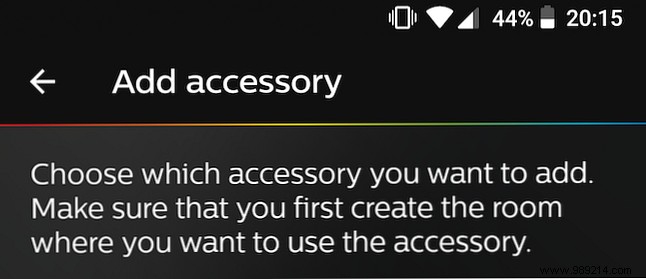
Select Hue Motion Sensor. Follow basic instructions; the front LED will blink orange. Tap Blinking LED to pair. If no blink, see troubleshooting below.
Assign it to a room and lights (editable later).
Causes: Dormant battery or prior pairing. Solution: Reset.
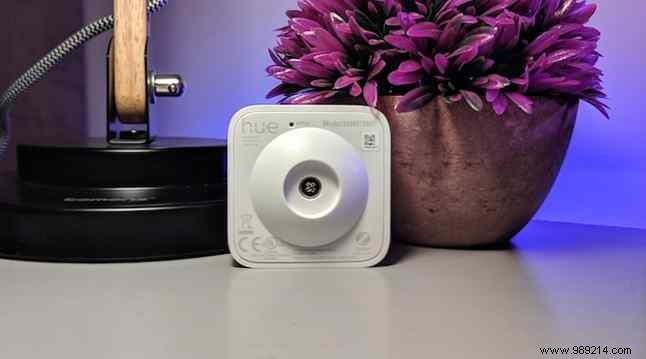
Use a pin to press the Reset button (small hole on back). LED should flash. If not, replace the two AAA batteries (last 2-3 years). Unscrew the cover, swap, reseal, and reset again.
From Settings > Accessory setup, manage your sensor: toggle activation for parties or guests.
Select it for the Sensor settings page to customize.
Name it (essential for multiples).
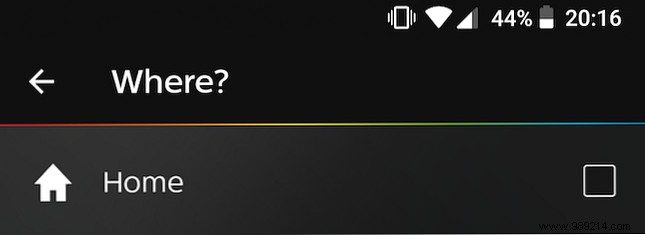
Where: Assign up to three rooms (for quick response; no individual bulbs).
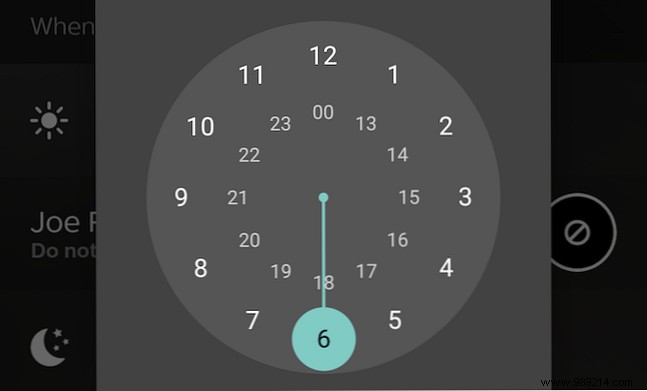
Under When motion is detected, set Day and Night schedules. Choose scenes or "Do nothing." Pro tip: Dim nightlight for kids' rooms.
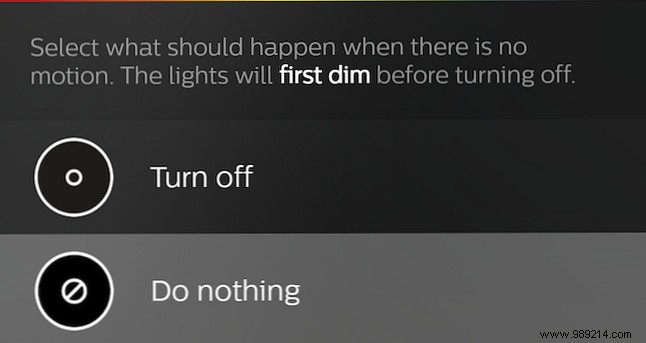
For No motion, set After delay (1-60 min, preset options). Then pick Do nothing or Power off per room.
In Advanced Options, adjust Daylight sensitivity slider for varying light conditions.
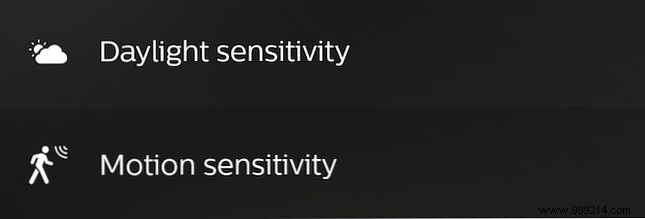
Set Motion sensitivity: Low (large movements), Medium, High (small gestures). Use Restart for relocation or Delete if discarding.
It's excellent but limited: Day/night actions only, room-based (not bulbs), no ignore for manual lights.
Still, essential for Hue owners. For DIY: How to control Philips Hue lights from an Arduino (and add a motion sensor)
