Own an Amazon Echo? After setting it up for multiple users, customizing the wake word, or enabling package tracking, you're ready to unlock its full potential with Routines.
Routines transform your home into a truly smart space. We've covered Philips Hue automations before—now, as experienced smart home enthusiasts, let's dive into the best Alexa Routines you can create today on your Echo devices.
Echo (2nd Generation) - Smart Speaker with Alexa - Charcoal Fabric Buy Now on Amazon $69.99
Alexa Routines are powerful, customizable automations that chain multiple actions together. For instance, dim the lights and start your news briefing with a single command—a task that would otherwise require separate requests like "Alexa, turn on the lights" followed by "Alexa, news briefing."
With Routines, assign a custom phrase like "Alexa, work time" to trigger unlimited actions. Schedule them too: open shutters, brew coffee via a smart plug, and more—all seamlessly controlled by Alexa.
Kasa Smart Plug Outlet by TP-Link - Reliable WiFi connection, no hub required, works with Alexa Echo and Google Assistant (HS100) Buy Now On Amazon $16.99
Setting up Routines is straightforward in the Alexa app. Tap the gear icon for Settings, scroll to Routines under Accounts, then hit More > New Routine.
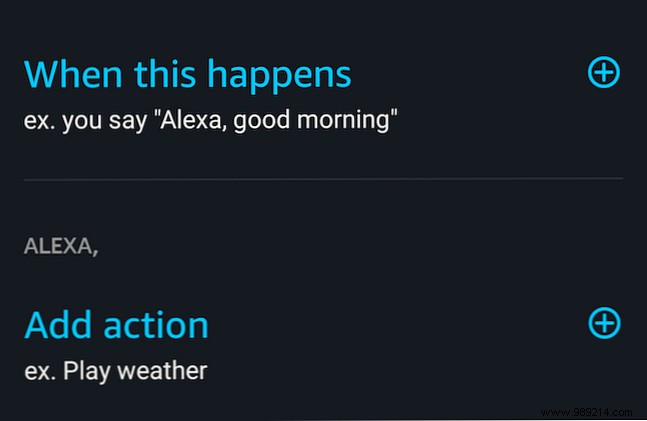
Select When this happens to define the trigger—voice phrase or schedule.
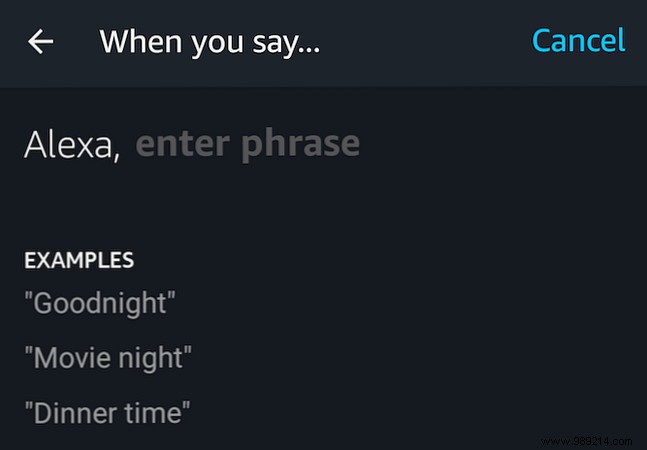
Tap Add action to choose tasks from categories like smart home controls or custom phrases.
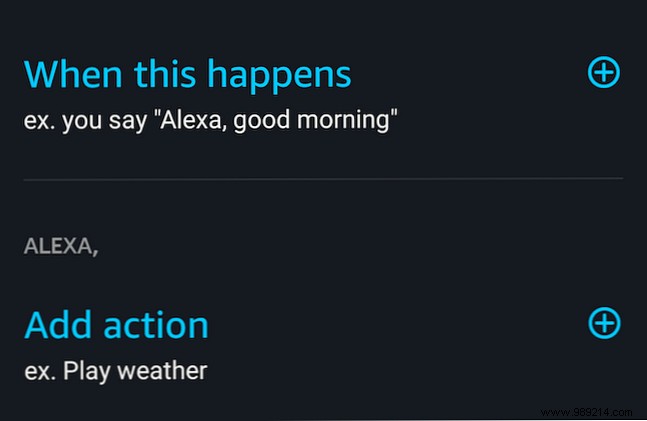
After adding actions, tap Add, then Create when finished.
Ready to automate? Here are five proven Routines we've tested and loved.
Like a high-tech alarm clock, schedule this for 7 a.m. weekdays. Add news briefing, weather update, and turn on lights via Smart Home.

Plan ahead (up to a week) for a special message. Schedule it, then under Alexa Says > Birthday, pick from fun greetings.

Voice control can falter with multiple lights—Routines fix that. Trigger with a phrase like "relax at night," then control colors and groups under Smart Home.
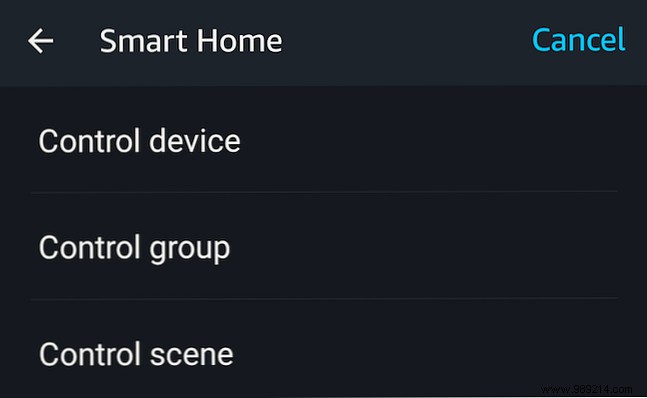
Control multiple devices in one go, beyond basic scenes.
Schedule for your arrival time (no geofencing yet). Add a friendly Phrase like "I'm home" from the options.

Schedule or voice-trigger a commute report. First, set up in Settings > Traffic: add home/work addresses and stops.

These Routines showcase Alexa's versatility, though advanced users may want more via IFTTT. Check our top 10 IFTTT smart home recipes for deeper automation: 10 of the Best IFTTT Recipes for Smart Home Automation. The smart home can save you time, effort, and energy—start experimenting today.
