Upgrade your home with the Belkin WeMo Light Switch (available in CA and UK models). Unlike simple smart plugs or bulbs, this requires working with wall wiring. As a seasoned smart home installer, I'll guide you through unboxing, safe installation, app setup, and powerful automations.
This guide draws from hands-on experience ensuring reliable, code-compliant setups for single-pole switches only.
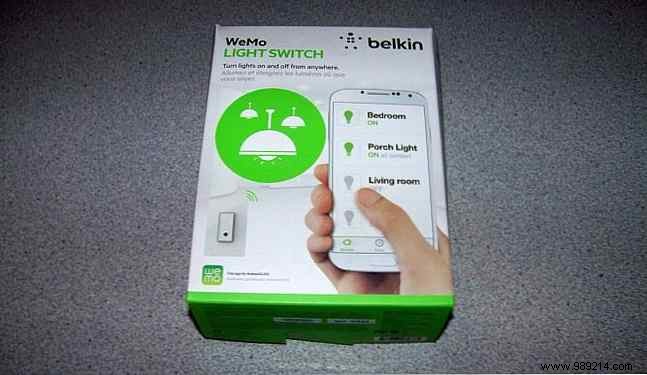
Belkin WeMo products are user-friendly. The light switch kit includes the main unit with integrated controls, pre-attached colored wires, a snap-on wall plate, and orange wire nuts (use as needed).
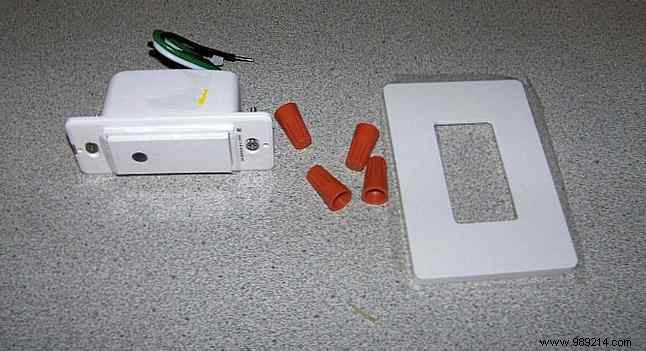
Layout the components and prepare by removing your existing switch.
Electrical safety is paramount. Always prioritize it.
Electricity can kill. US outlets carry 120V AC; UK uses 240V. Current seeks the fastest path to ground. Contact with live wires can send lethal current through your body. If you're not experienced with home wiring, hire a licensed electrician.
For confident DIYers: Proceed with caution.
Turn off power at the breaker for the room. Verify with a voltage tester.
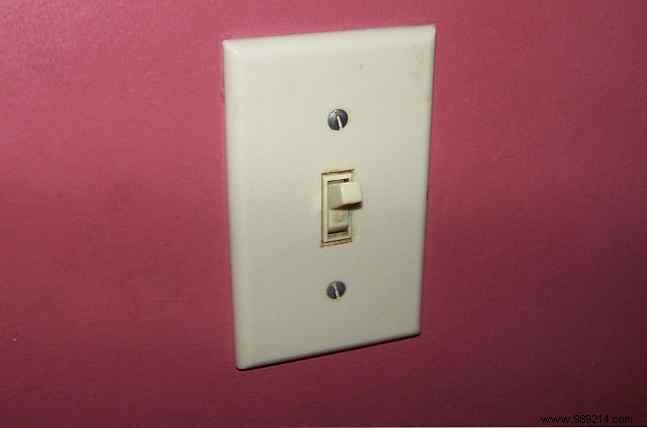
Unscrew and remove the faceplate.
Test switch terminals for power. Unscrew and remove the switch.
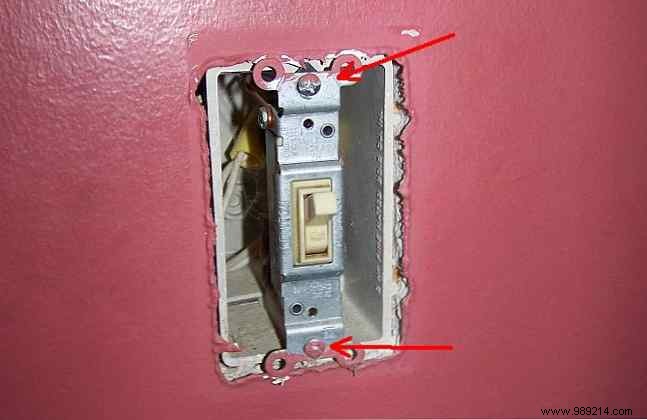
Single-pole switches have two black wires (line/hot and load to light) and a bare copper ground. More than two? Not compatible—WeMo is single-pole only.
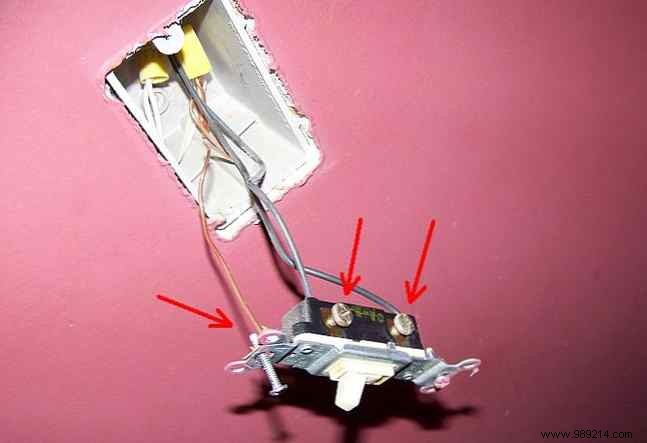
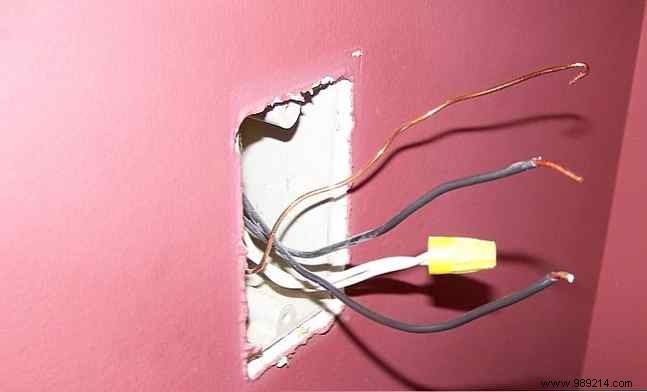
WeMo wires: Green (ground), white (neutral), two blacks (line/load).
Wall blacks: One from breaker (line), one to light (load).
Cap one WeMo black to wall line black with wire nut. Cap other WeMo black to wall load black. Connect WeMo white neutral to wall neutrals (pigtail if bundled). Connect green to ground.
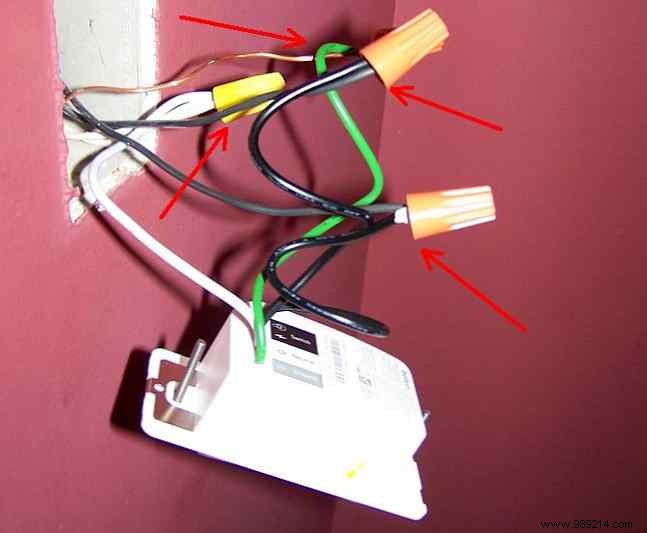
Carefully tuck wires into the box. Align and secure switch with original screws.
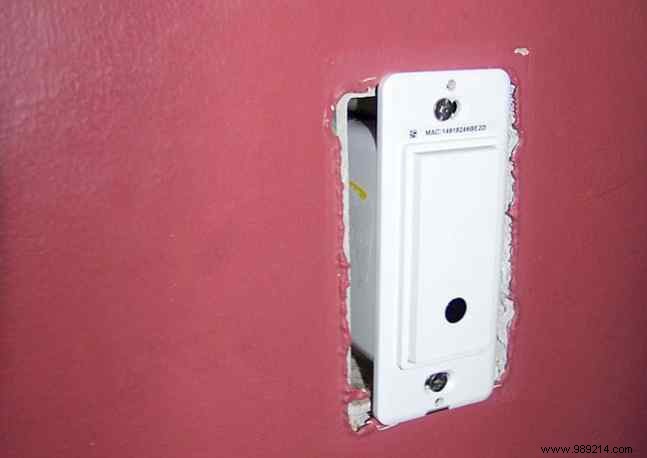
Snap on the wall plate—no screws needed.
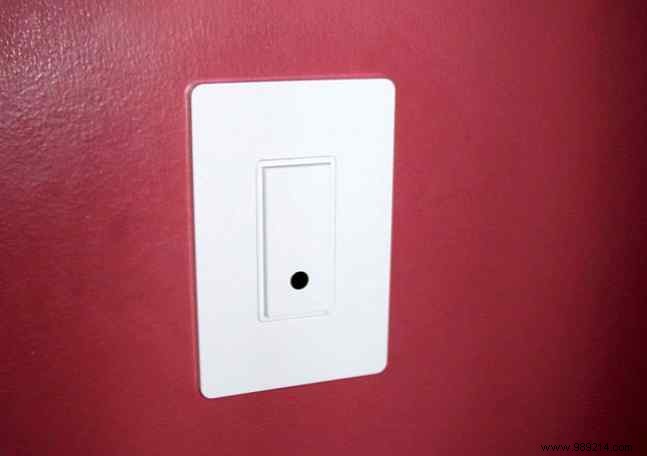
Restore power at breaker. Your WeMo is wired and ready.
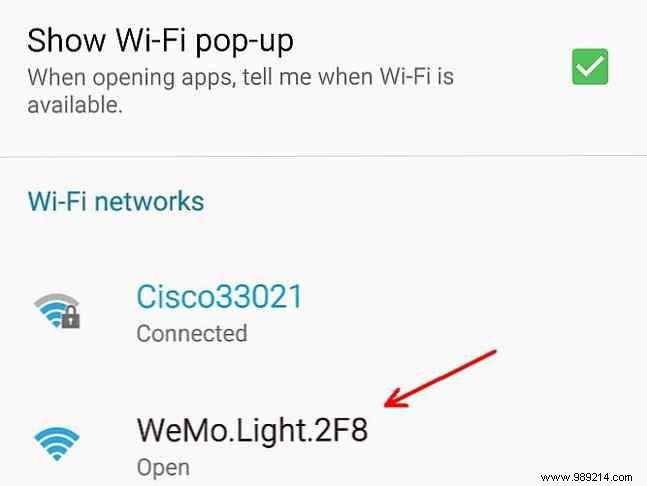
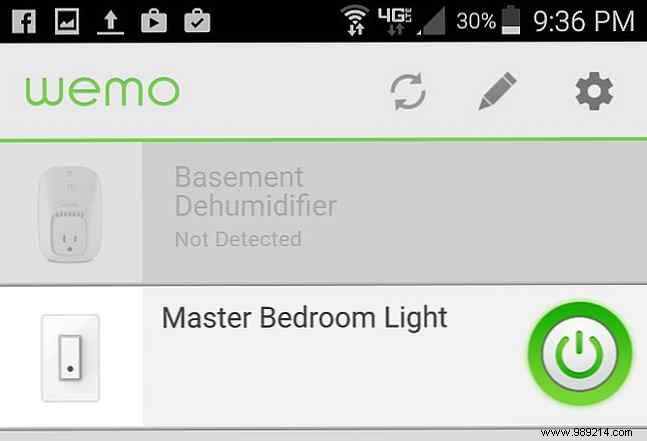
Download the WeMo app (Google Play or App Store). Connect your phone to the WeMo Wi-Fi network during setup. Enter your home Wi-Fi credentials. The app rejoins your network and lists the switch.
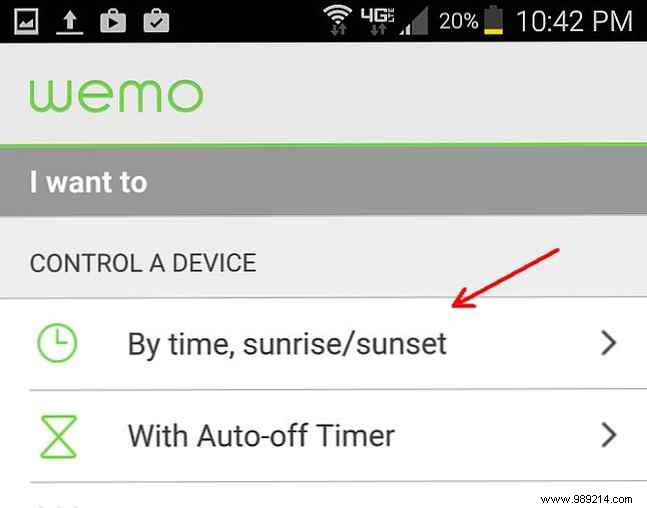
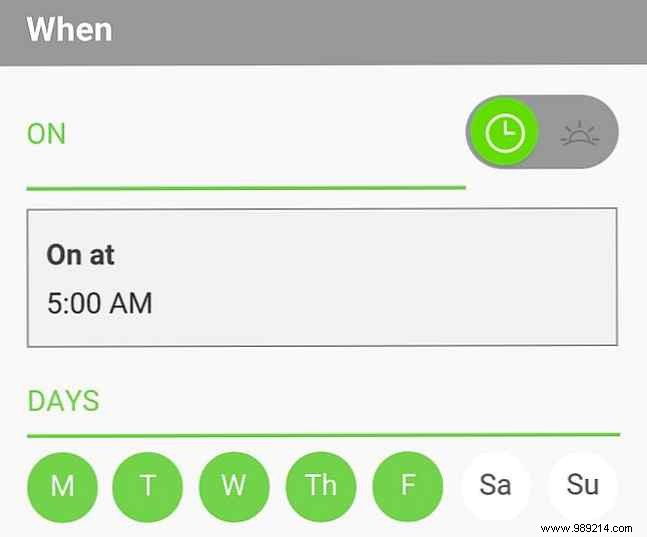
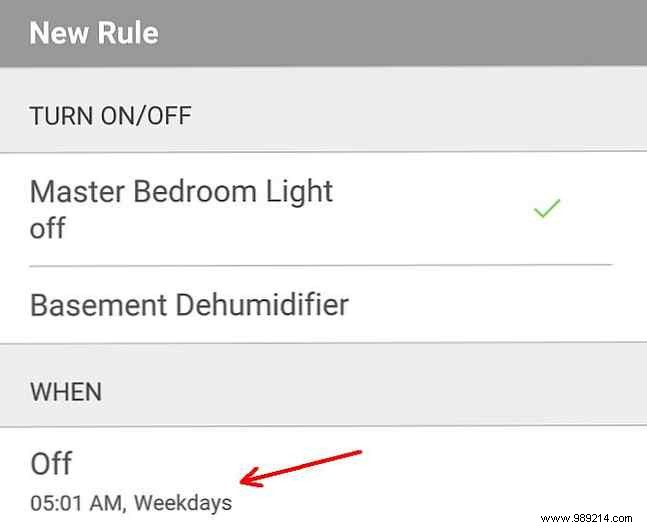
Create automations in the app. For a gentle wake-up: Set rules to flicker bedroom light on/off every minute from 5:00-5:05 AM, then on until 5:30 AM.
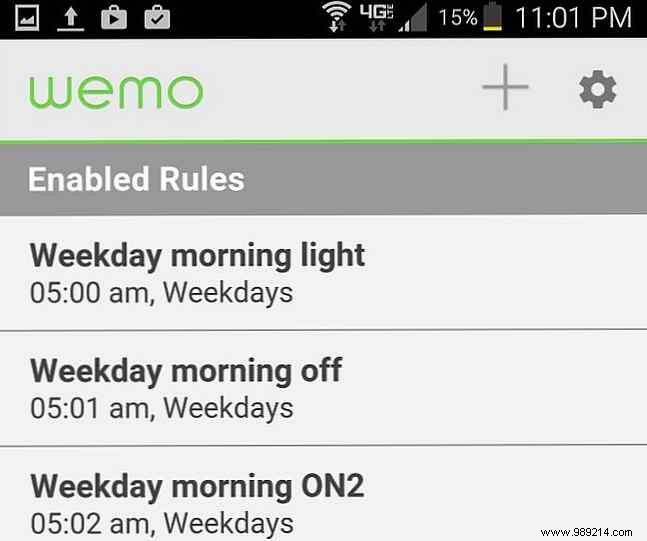
Enable IFTTT in WeMo app. Create applet: Long press (2+ seconds) triggers SMS to contacts. Customize with switch name and timestamp.
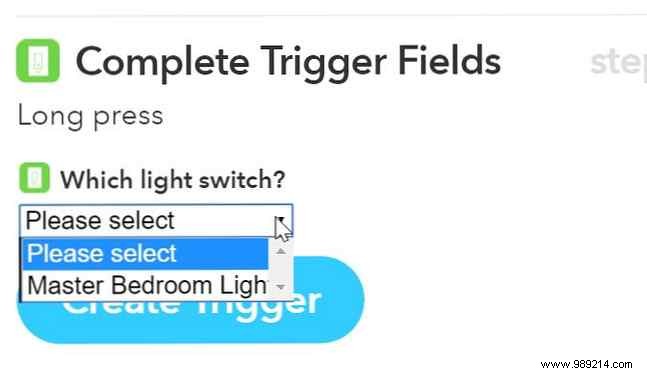
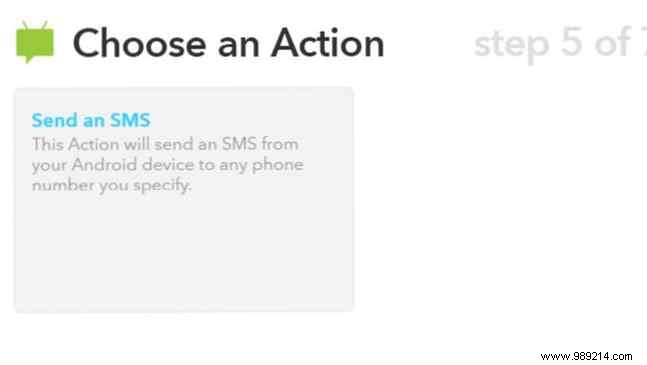
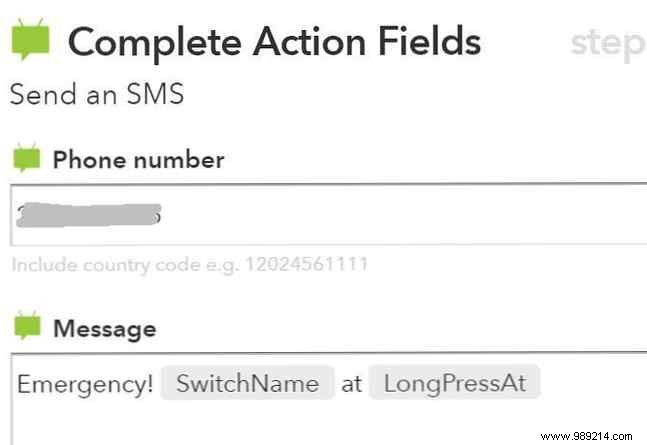
Ideal for emergencies when phone access is limited.
WeMo enables creative automations beyond basic control. Easy install, endless potential. Have you installed a smart switch? Share in comments.
