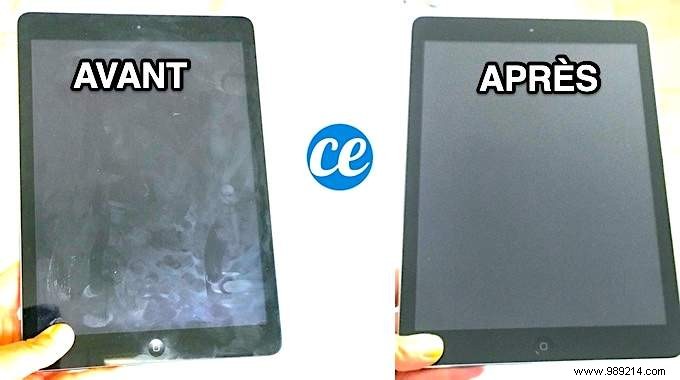
Is your iPad screen covered in fingerprints and grime? Those smudges can make it hard to see and frustrating to use. Avoid harsh chemicals like window cleaners that could damage the Retina display.
Our proven method uses a microfiber cloth and a touch of white vinegar to clean and disinfect effectively—safe for all Apple tablets and beyond.
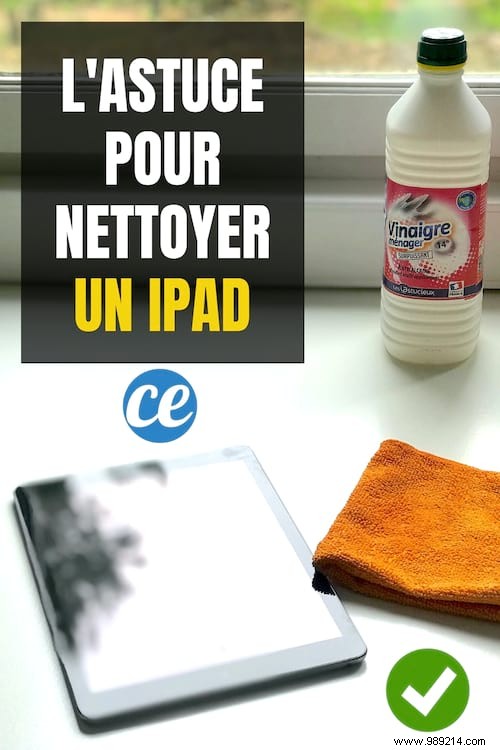
Here's the simple trick: Dampen a microfiber cloth lightly with white vinegar.
 Contents
 1. Unplug all cables from the iPad.
2. Power it off completely.
3. Wipe the screen with a dry microfiber cloth to remove loose dust.
4. Add 2-3 drops of white vinegar to lightly dampen the cloth—never spray directly on the screen.
5. Gently wipe the screen in circular motions.
6. Repeat until spotless, then buff dry with a clean section of the cloth.
Your iPad screen will gleam like new—free of grease, fingerprints, and smudges. This method keeps it cleaner longer and works on iPad Pro, Air, Mini, plus Samsung, Lenovo, Asus, or Huawei tablets. Don't forget the back side too!
White vinegar's acetic acid (natural pH around 2.4) cuts through oils and sebum without residue. Paired with microfiber, it polishes gently, avoiding scratches to the oleophobic coating. Just 2-3 drops provide powerful degreasing and disinfection.
- Use only clean, lint-free microfiber. Skip paper towels or cotton—they can scratch the screen and strip the protective layer.
- Keep the cloth barely damp to prevent moisture in ports.
- Never use window cleaners, ammonia, solvents, abrasives, compressed air, or hydrogen peroxide.
- Ensure no liquid enters openings.
