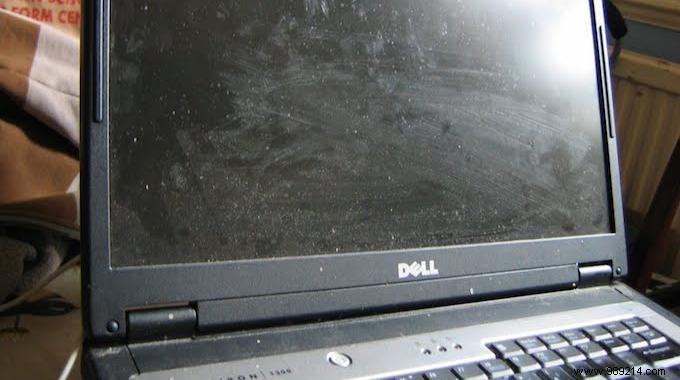
Is your computer screen smudged with fingerprints and dust? Laptops and desktops get dirty fast, but you don’t need pricey cleaning wipes. As a tech enthusiast who maintains devices weekly, I’ve perfected a simple, safe method using household items.
This proven trick – a cotton pad soaked in water and white vinegar – removes grime effortlessly without risking damage.

1. In a glass, mix about 2/3 water and 1/3 white vinegar.
2. Dip a cotton pad or makeup remover disc into the solution.
3. Wring it out well, then gently wipe the screen in circular motions.
4. Finish by buffing with a dry cotton pad for a streak-free shine.
Your screen will gleam like new – no wipes required! This economical method keeps my setups spotless 24/7.
I rely on it weekly for PCs, HPs, Macs, laptops, and desktops. It’s equally effective for smartphones, TVs, and iPads.
Pro Tip: Skip glass cleaners – they can harm screens like Retina displays. This natural approach is reliable and device-safe, backed by my years of hands-on experience.
