Amazon's Echo Show brings Alexa's voice capabilities to life with a vibrant touchscreen, delivering visuals for lyrics, videos, security feeds, and more. As experts who've tested countless smart devices, we've seen how its 7-inch display elevates everyday interactions—from streaming to smart home control.
The Echo Show packs room-filling stereo sound from two 2-inch speakers, eight far-field microphones for clear voice pickup, and seamless integration with Prime-exclusive features. This comprehensive guide, drawn from hands-on experience, covers unboxing, setup, skills, smart home mastery, advanced features, and troubleshooting everything you need to know.
Here's what we'll cover:
1. Unboxing and Setting Up Your Amazon Echo Show
Household Profiles
2. Enabling New Skills on Your Amazon Echo Show
How to Find and Enable Skills | Skill Categories
3. Controlling Your Smart Home with the Amazon Echo Show
Adding and Removing Devices | Camera Integration | Groups and Scenes
4. Advanced Features of the Amazon Echo Show
Video Calls | Drop-In | Voice Messages | Video Playback | Amazon Shopping
5. Troubleshooting Your Amazon Echo Show
Alexa Wake Word Issues | Wi-Fi Connectivity | False Triggers | Multi-Device Conflicts
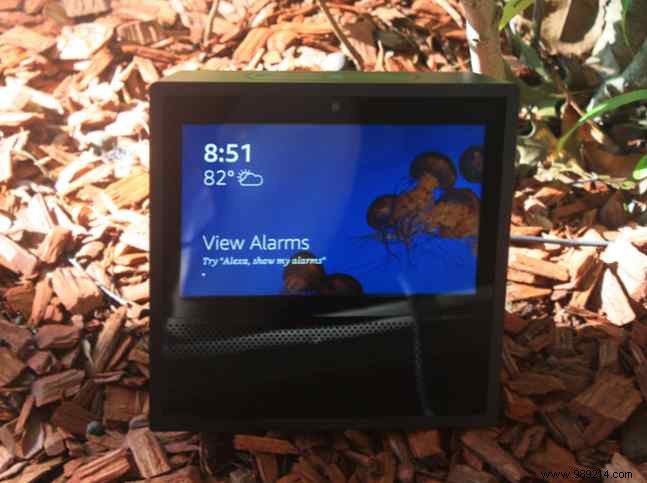
Opening the box reveals: the Echo Show (black or white), power adapter and cord, quick-start guide, and basic Alexa command card.
Before setup, download the Alexa app on your iOS or Android device—it's essential for customization, though not strictly required.
Plug in, select language, connect to Wi-Fi, and sign in with your Amazon account (Prime required for purchase). Link music services via the app: Menu > Music & Podcasts.
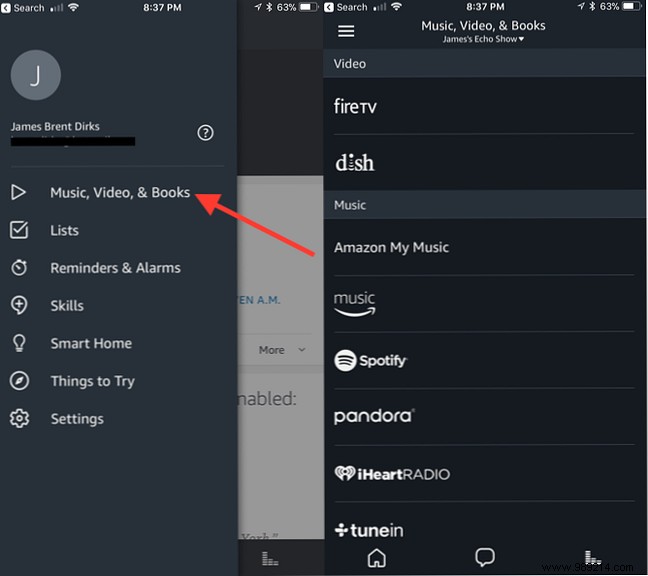
Supported services include Amazon Music, Spotify, Pandora, iHeartRadio, TuneIn, and SiriusXM. Amazon Music displays lyrics automatically—toggle with "Alexa, turn lyrics on/off."
Top buttons: Do Not Disturb (mutes mic/camera), volume up/down. Pair Bluetooth speakers via "Alexa, go to Bluetooth" or screen swipe-down > Bluetooth.
Support multiple users for personalized music, lists, and purchases. In the app: Menu > Settings > Account Settings > Amazon Household.
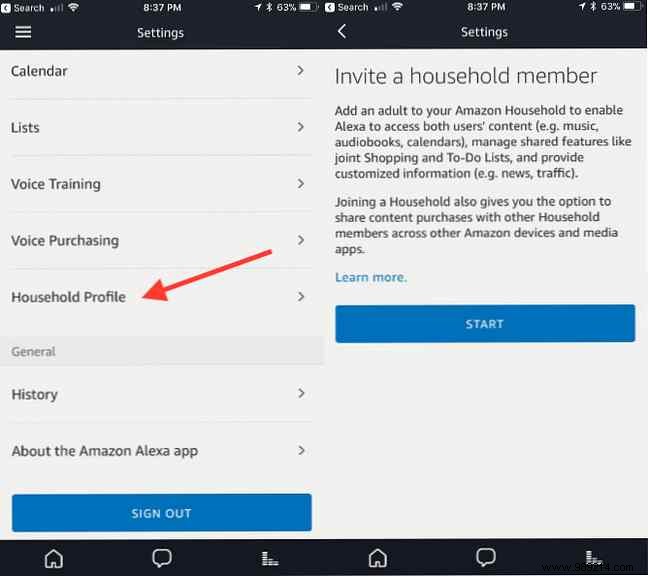
Added users get photo screensavers, personalized content. Switch with "Alexa, switch accounts." Remove via Settings > Account Settings > Amazon Household > Remove User (6-month cooldown).
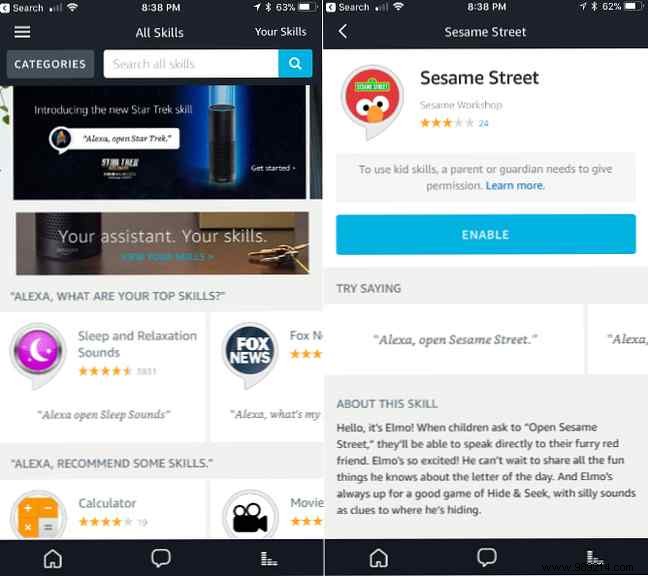
Skills are voice apps powering Alexa—over 15,000 available, from pizza orders to trivia. Many leverage the screen, with more added regularly.
Use the Alexa app: Menu > Skills & Games. Browse curated lists, search, or categories. Tap Enable to Next; some require logins. Or say "Alexa, enable [skill]."
The Echo Show shines in smart home control—check Amazon's smart home device list for compatibility.
Install manufacturer apps first. App: Menu > Devices > + > Add Device or enable skill. Say "Alexa, discover devices."
Exceptions: Belkin WeMo, original Philips Hue (press bridge button). Remove: Devices > Forget Device (also from manufacturer app).
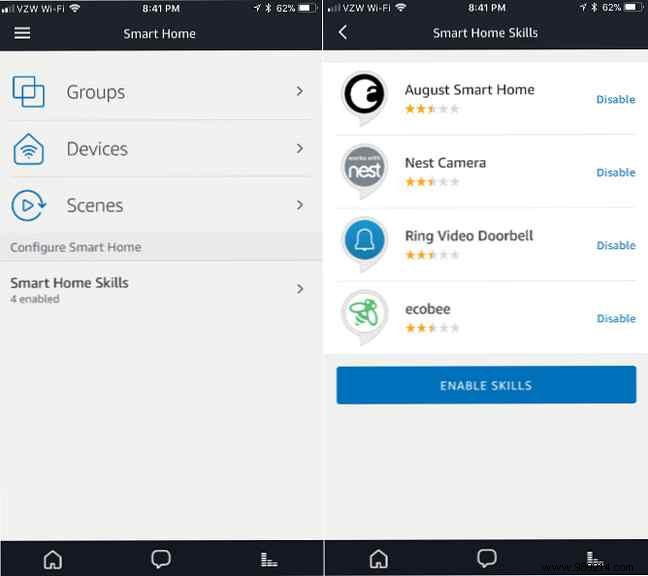
Supports Ring, Arlo, Nest, etc. Add as devices, then "Alexa, show [camera]." Stop with "Alexa, stop."
Create groups: Devices > Groups > Create Group (use 2-3 syllable names). Scenes auto-detect from Hue, Harmony, etc.: Devices > Scenes.
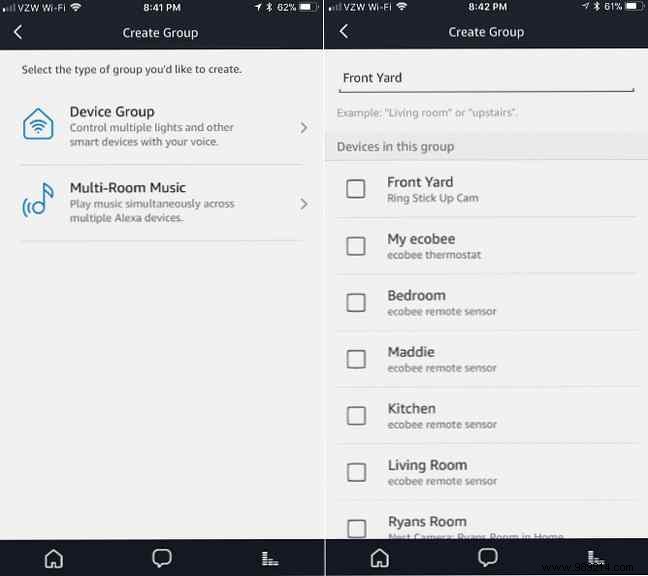
Call Echo Shows or Alexa app users hands-free. App: Communicate > Verify phone. Call with "Alexa, call [name]." Answer: "Alexa, answer."
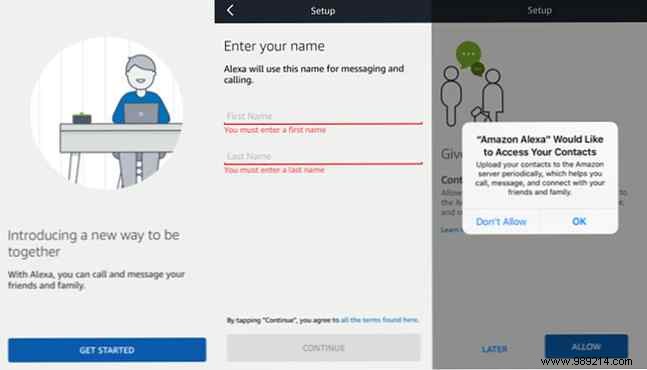
Instant connect: "Alexa, drop in on [name]." Enable per-contact; privacy beep/freeze-frame. Toggle Do Not Disturb.
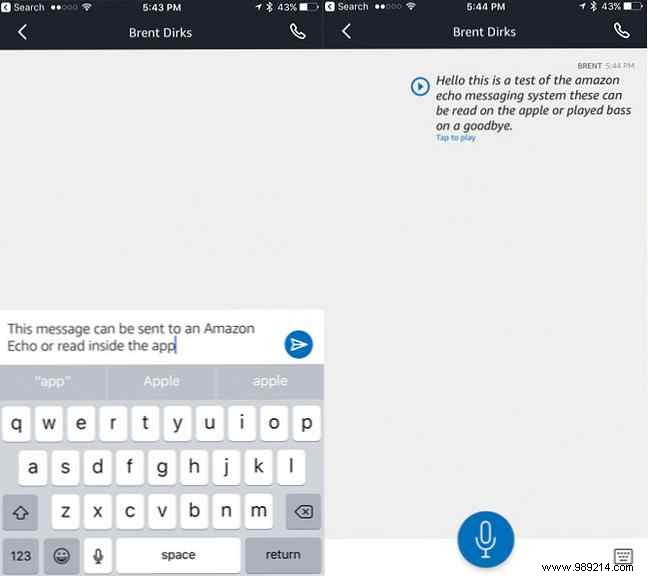
"Alexa, send message to [name]." App transcribes. Play: "Alexa, play my messages."
Prime Video, channels (HBO, etc.), IMDb trailers. Search by title/actor.
"Alexa, order [item]." View/buy on screen. Maintain shopping lists.
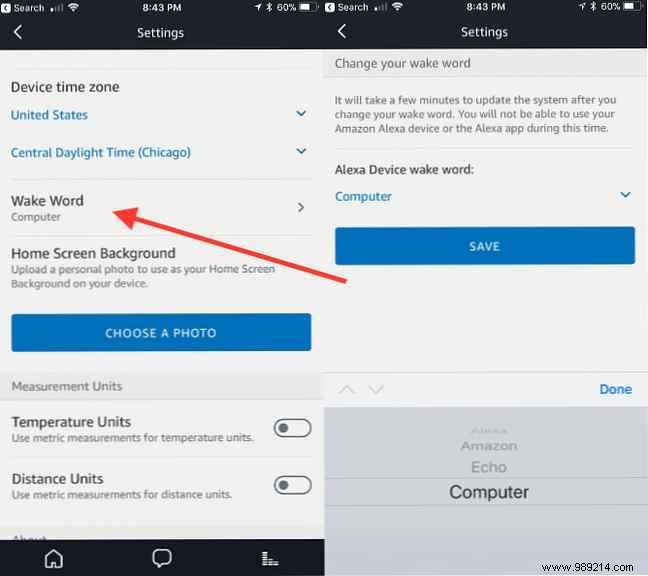
Check Do Not Disturb (red light). Move from noise sources. Verify wake word (Settings > Device > Wake Word). Retrain voice: Settings > Voice Training.
Wi-Fi icon slashed/orange ring. Restart device/router, move closer. Swipe-down > Settings > Wi-Fi.
Relocate from TV/radio. Change wake word.
Space devices apart. Use Echo Spatial Perception; change wake words for non-Echo Alexas.
The Echo Show builds on Echo's success with a 7-inch touchscreen, simplifying life from calls to controls. Questions? Share in comments!
