As a smart home expert with years of testing devices like the Google Home Mini, Max, and Clips, I've seen how the right questions can guide smart purchases. Google is expanding its ecosystem rapidly—here's what to consider before buying.
Unlike many smart cameras, Google Clips stores footage locally rather than in the cloud. View clips over Wi-Fi from your mobile device.
While Google could theoretically access images via Wi-Fi, it's highly unlikely given privacy standards and potential backlash. Hacking risks exist with any device, but they're low—change passwords regularly to stay secure.
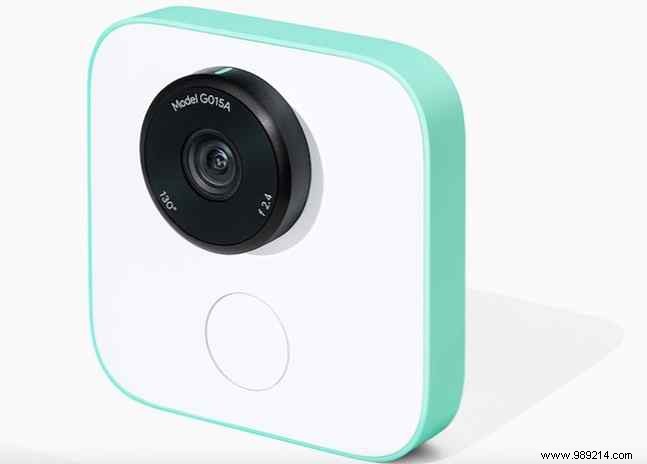
If privacy concerns persist, opt for a camera with a microSD slot for offline storage.
Google Home Mini and Max shine with internet connectivity, handling calls, music, smart device control, and more.
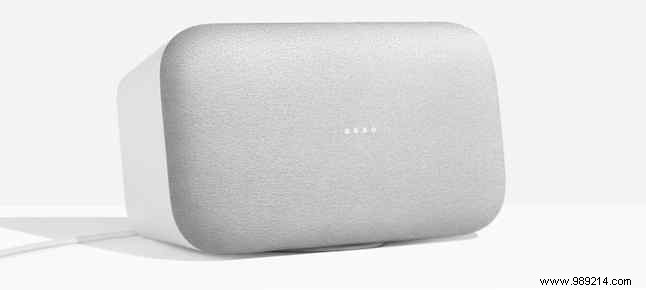
Like the original Google Home (launched 2016), they only record after 'Okay Google.' Microphones listen for hotwords without constant recording. Disable mics anytime for peace of mind.
These require iOS or Android devices. Google Home integrates seamlessly with Philips Hue, TP-Link, SmartThings, and IFTTT—but not HomeKit. Check the full list on Google's Store site.

The market is crowded with smart speakers releasing into late 2017. Features overlap; the key difference is the voice assistant.
Google Home uses Assistant; Amazon Echo has Alexa; Apple HomePod integrates Siri and HomeKit; Harman Kardon's Invoke features Cortana.
Sonos One supports Alexa, Assistant, and AirPlay 2 (Siri). Stick to your preferred assistant or wait for options.
Nest Hello launches in 2018. Smart doorbells offer two-way talk, remote viewing, and alerts today.
First-gen speakers like Echo and Home deliver decent sound at $150. But at $400 for Home Max or HomePod, evaluate if smart features justify the cost over premium non-smart audio.
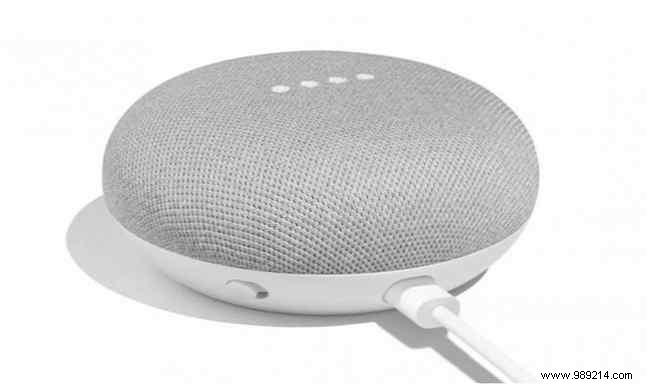
Use daily? Or better with a dedicated speaker?
Google Clips ($249) captures silent motion photos via machine learning, recognizing faces, pets. Edit and share via app or Google Photos.
Weigh if it fits your routine: frequent moments worth capturing? Time for editing? Or prefer security-focused cams?
Test Google's lineup hands-on, or await reviews. Compare with competitors for the best fit.
Exciting times for Google fans—their smart home commitment is clear.
Which new Google product excites you most? Share below.
