Concerned that your Amazon Echo is eavesdropping on private conversations? Rest assured, it's not listening to your pillow talk or everyday chatter. The device uses Far Field Communication technology to detect only the wake word (like "Alexa") and the command that follows. These voice requests are processed in the cloud and temporarily stored by Amazon.
The Amazon Echo only records and retains the wake word plus your subsequent command. As a privacy-conscious user, you can easily review your full voice history and delete recordings at any time.
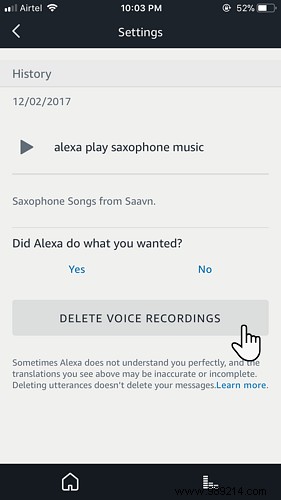
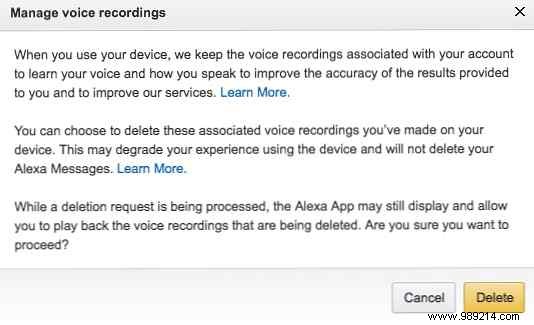
Amazon notes that deleting recordings may temporarily impact voice feature performance. Weigh your privacy needs carefully, or simply mute the microphone on your device for immediate relief.
Like any smart device, the Echo has limitations—it only responds to wake words and has a short listening window. Knowing you control your data provides peace of mind.
Do you regularly clear your voice history? Share your privacy tips for smart home assistants.
