As an IT professional with years of experience using TeamViewer for remote support, I've discovered a powerful, cost-free way to control USB devices—such as cameras, hard drives, and media players—from anywhere in your home. No need for pricey dedicated solutions; TeamViewer's free version handles it seamlessly across Windows, Mac, Linux, and mobile devices.
This guide draws from my real-world setups, including monitoring office cameras from home and managing media playback during family gatherings. Whether you're on the same network or accessing globally via TeamViewer's cloud, here's how to make it work.
TeamViewer has been a go-to tool for IT experts worldwide for remote management. I've relied on it countless times to troubleshoot family tech issues from afar.
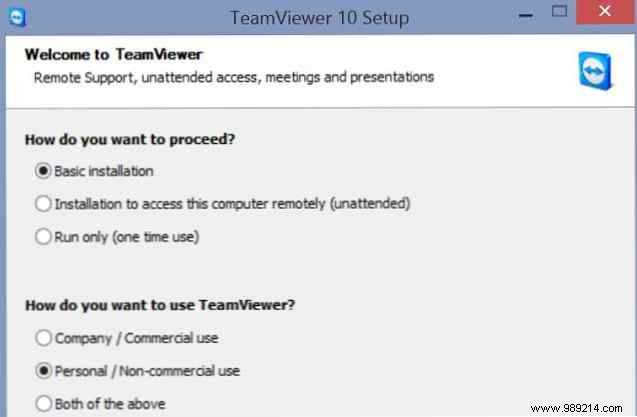
Download the free version from the official site and choose the BASIC installation. Select “Personal / Non-commercial use” to stay compliant.
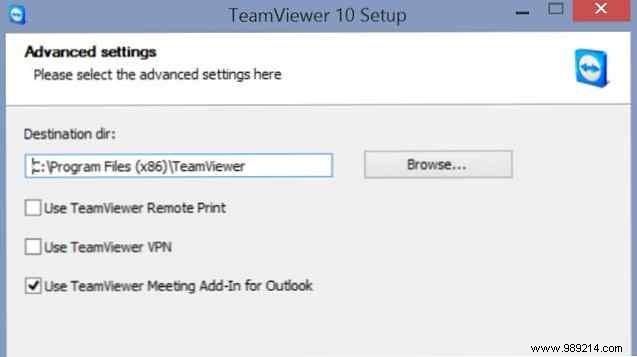
Pick your destination folder and skip unnecessary plugins.
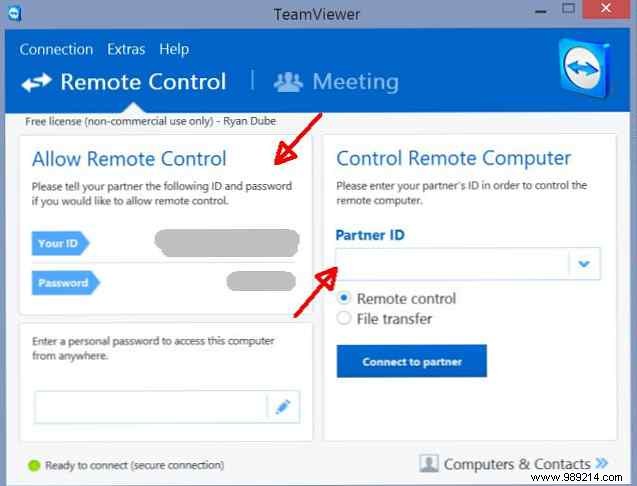
Installation takes under 5 minutes. Launch it to see your unique ID and password for connections.
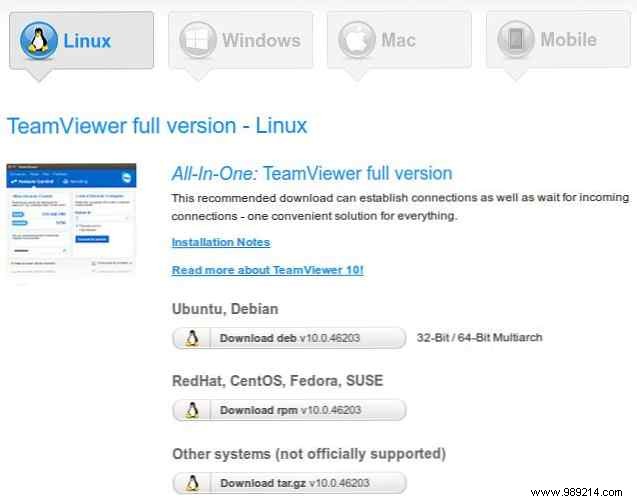
Versions are available for Linux, Mac, and mobile. In my setup, it's running on a remote Linux station connected via wireless network—all devices must be on the same subnet.
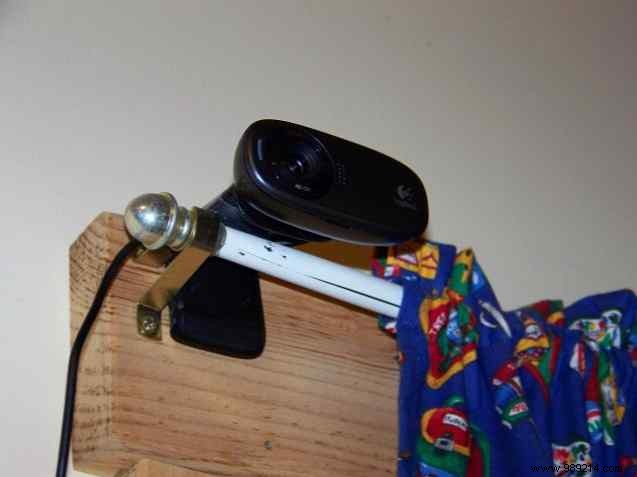
In my office, USB cameras overlook the kitchen and workspace, connected to a Linux PC running Camorama for viewing and snapshots.
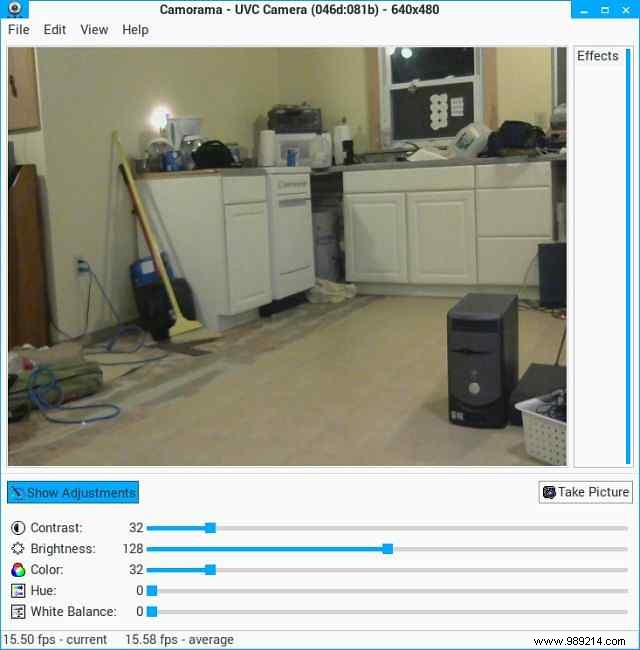
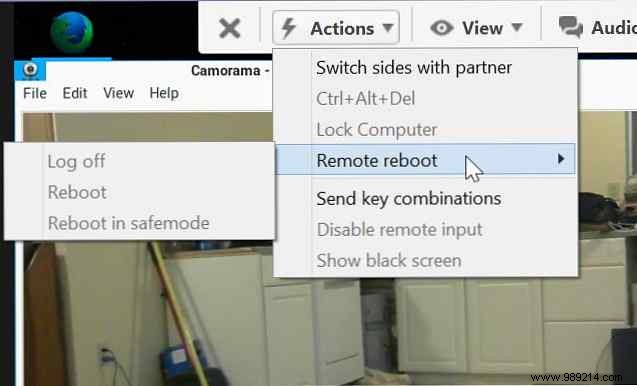
From my Windows laptop 200 feet away at home, TeamViewer lets me view live feeds effortlessly.
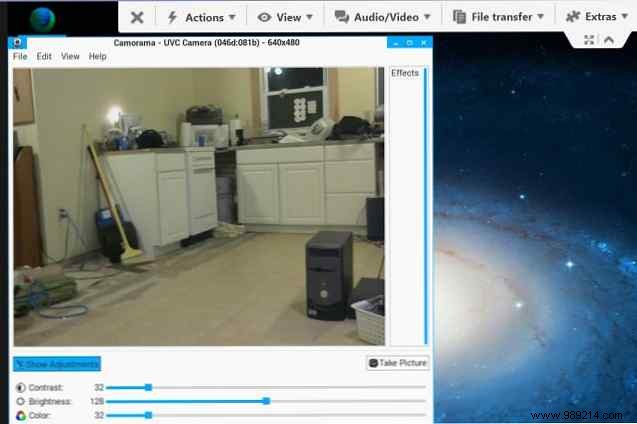
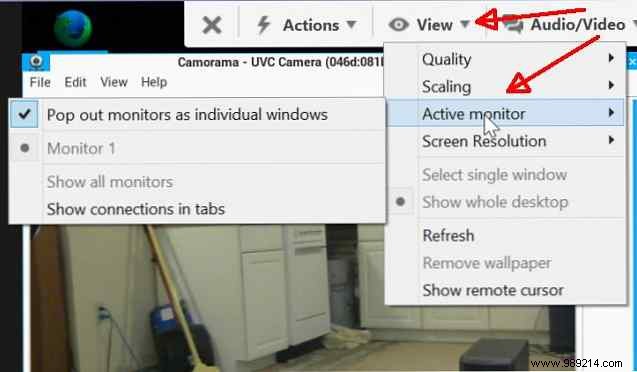
Switch monitors, reboot remotely, or integrate motion detection for email alerts. Why spend on wireless cams when a $70 mini-PC, $10 USB webcam, and TeamViewer deliver pro results?
Picture this: Hosting a party, music PC in the corner with a USB CD ready. From your tablet on the couch, connect via TeamViewer and play without moving.
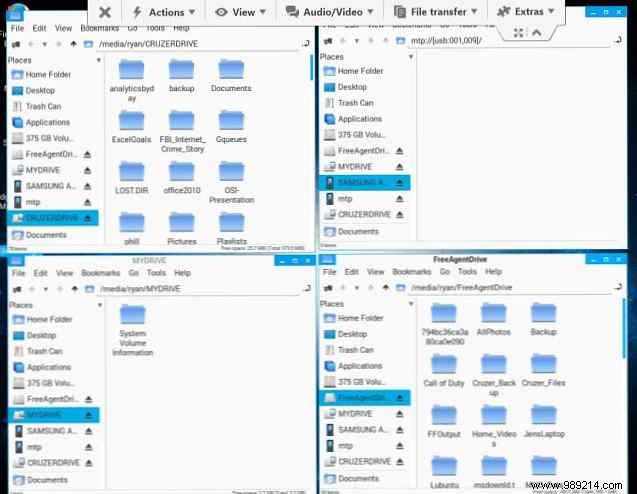
On my Linux setup, the drive mounts automatically in File Manager.
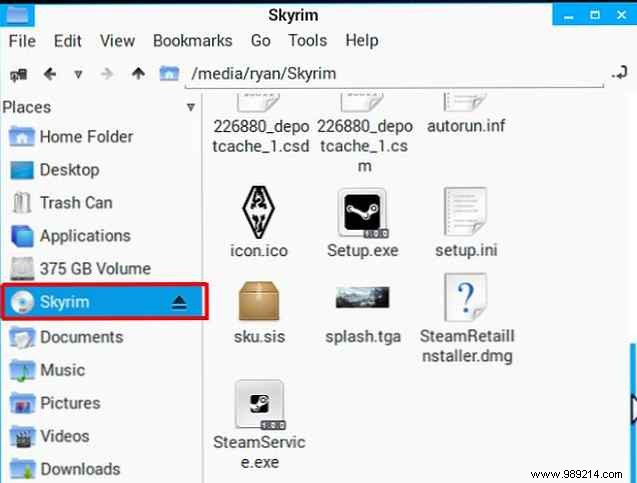
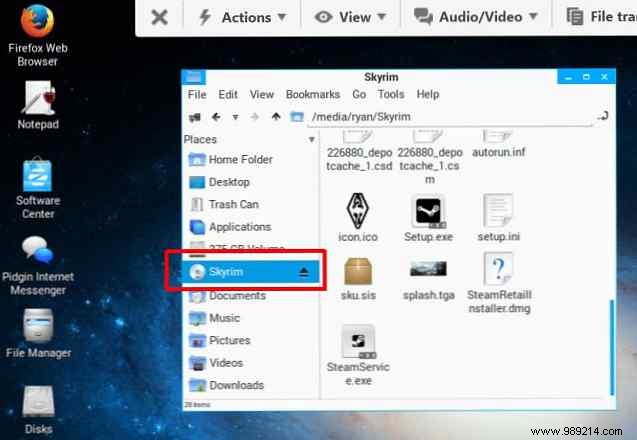
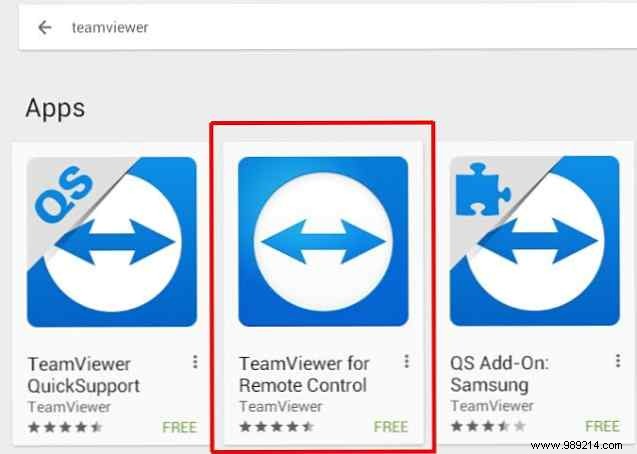
Install TeamViewer on iOS/Android, enter the ID/password, and control media players like Audacious.
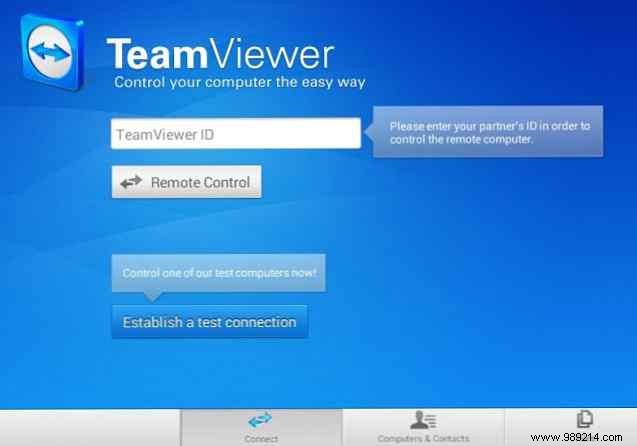
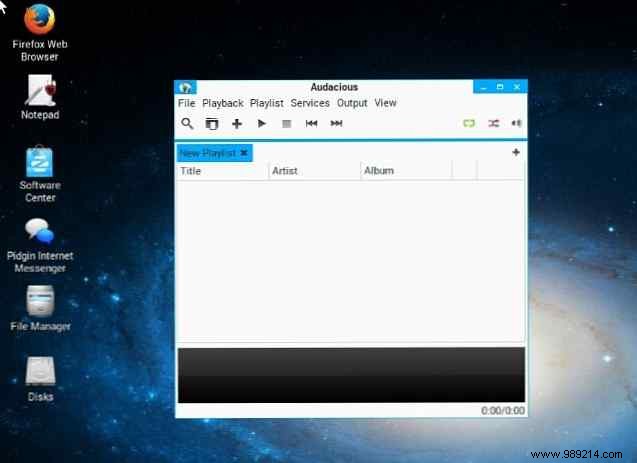
Extend this to media centers: Remotely launch YouTube or videos on your living room TV PC from a tablet.
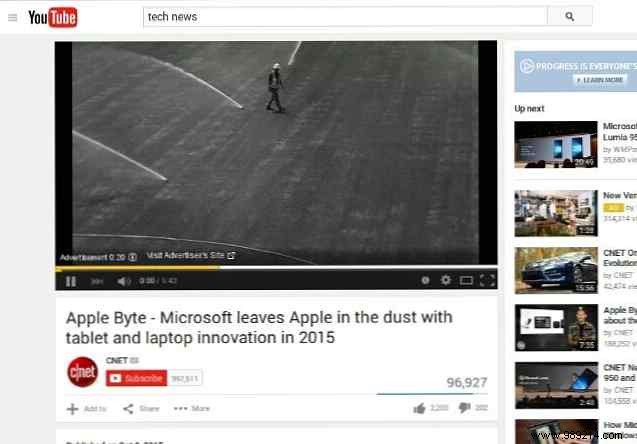
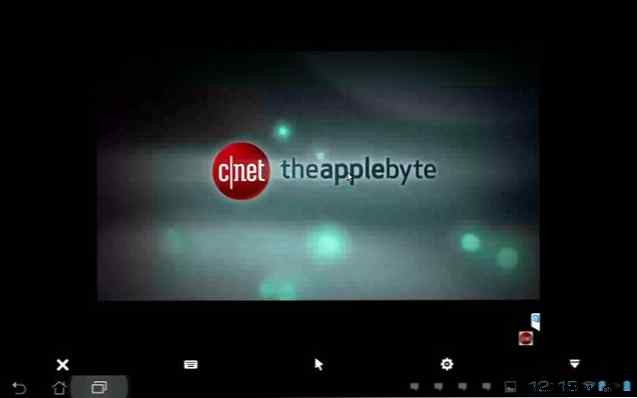
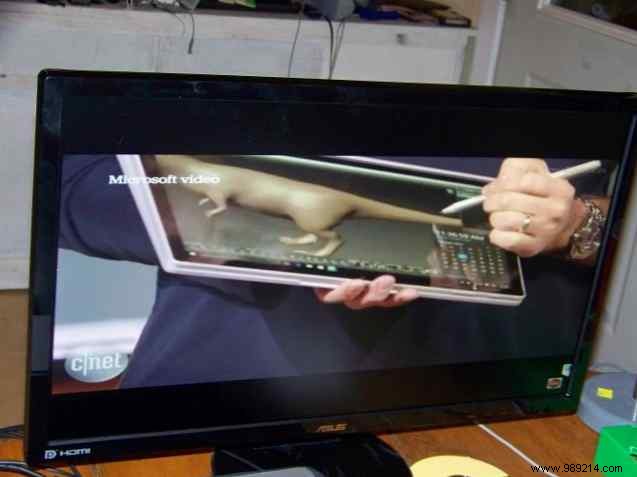
Keep kids entertained or stream educational content without interrupting your day.
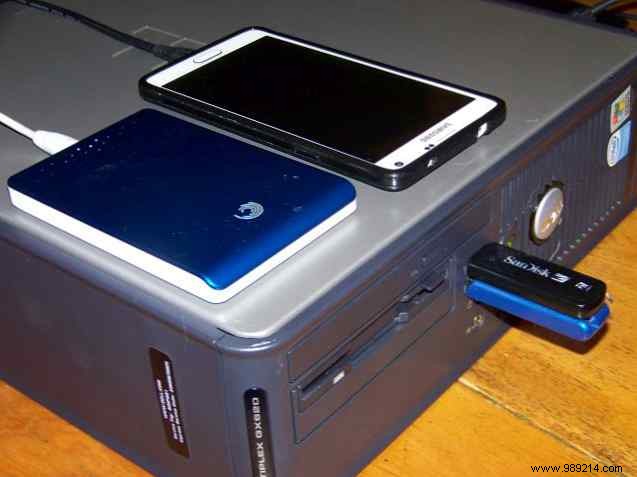
Dedicate a PC or Raspberry Pi as a central USB hub for hard drives and cards—no swapping needed.
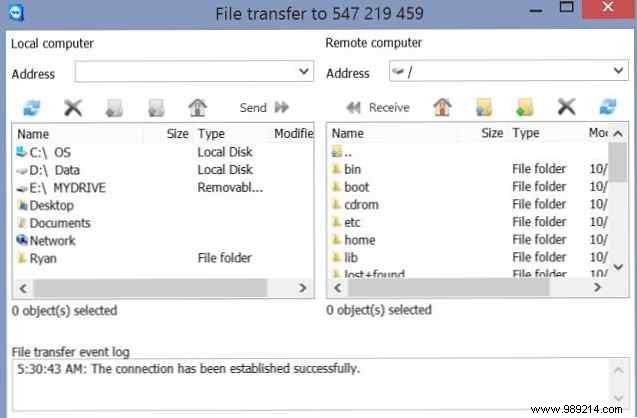
TeamViewer's file transfer tool moves files bidirectionally, with logs for monitoring usage.
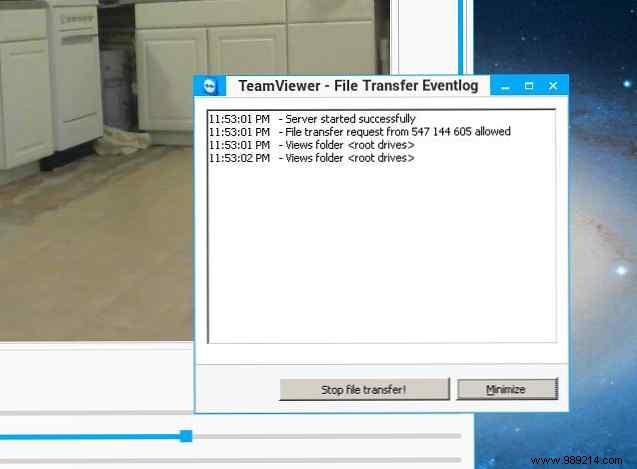
TeamViewer transforms everyday USB gear into a smart home ecosystem. The convenience is addictive—control from anywhere in your home via laptop or tablet.
Have you used TeamViewer for device control? Share your setups and tips in the comments!
