Basement floods can strike from leaky pipes, overflowing washing machines, or cracks in the foundation. As a smart home enthusiast with years of hands-on experience preventing water damage in my own home, I've found a straightforward, affordable solution: a pair of Wi-Fi smart devices that detect leaks and automatically shut off water sources.
This setup has kept my basement dry through multiple potential disasters. With just a D-Link Wi-Fi Water Sensor and a WeMo Smart Plug—totaling around $100—you can achieve the same peace of mind. No hubs or complex protocols required; both connect directly to your home Wi-Fi.
First, the D-Link DCH-S160 mydlink Wi-Fi Water Sensor (~$60). D-Link Connected Home Kit review. Buy Now On Amazon $139.95.
Second, the WeMo Switch Smart Plug, works with Alexa (~$40). Buy now on Amazon.
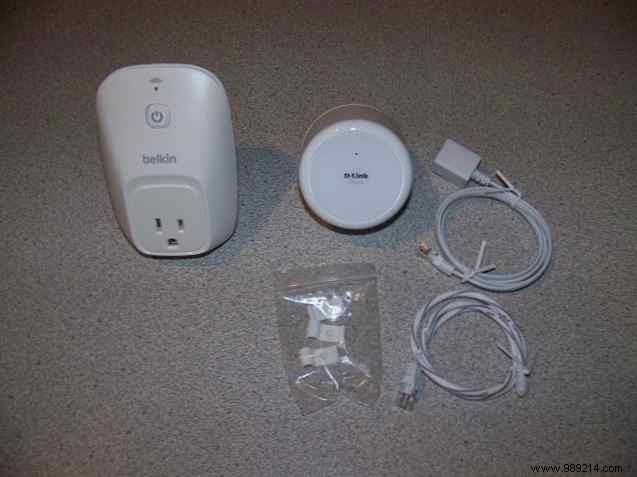
Here's what they look like unboxed: WeMo Smart Plug (left), D-Link Water Sensor (right).
The sensor's design shines here: Plug the controller high on the wall, and extend the sensor cable to floor level for precise monitoring.
In my setup, I monitor the area under my overhead dehumidifier.
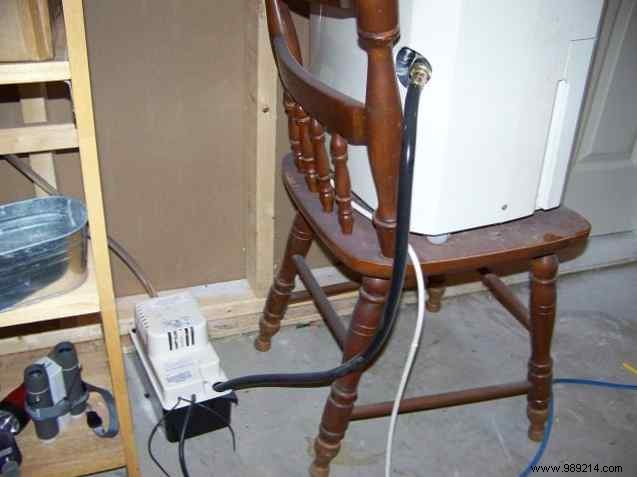
Water flows from the dehumidifier via a black inlet hose to the condensate pump. The pump activates at a set level, sending water up the clear outlet tube to the septic drain.
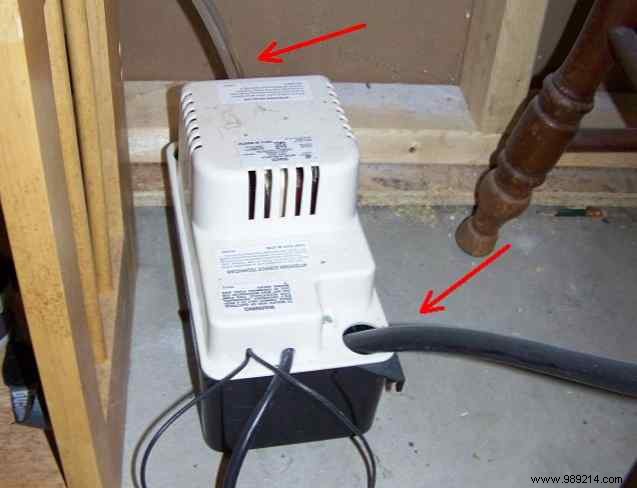
Potential failure points abound: loose hoses, burst tubes, or faulty float switches could create puddles that turn into floods. For under $100, this system eliminates that risk.
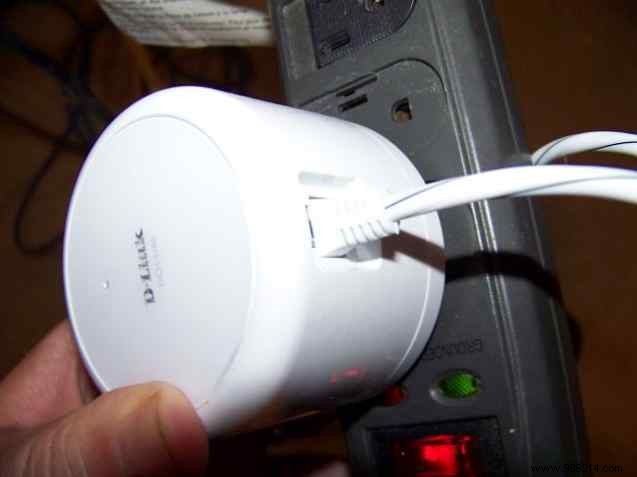
Plug in the D-Link controller (use a surge protector if on a strip). Connect the extension cable, then attach the sensor—giving you about four feet of reach.
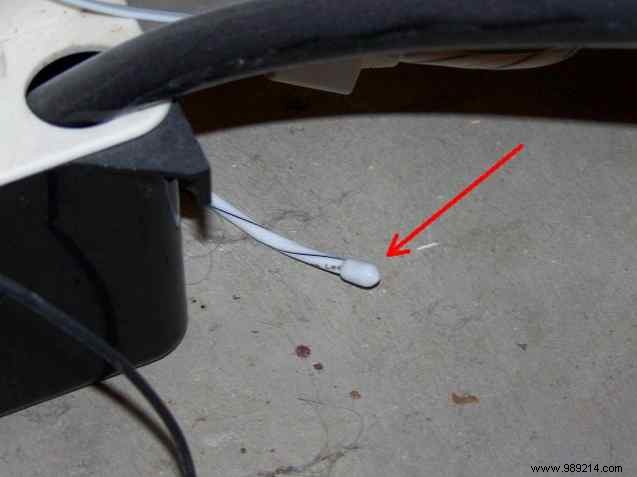
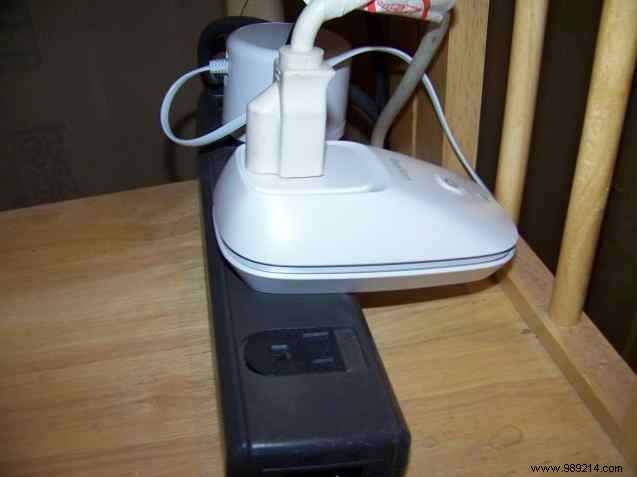
For the WeMo, plug it in and connect your device—in my case, the dehumidifier. Both sit safely elevated on a shelf.
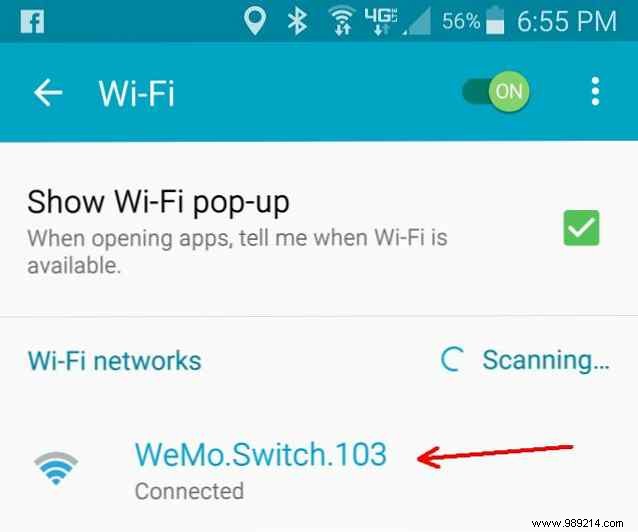
Download the WeMo app (iTunes/Google Play). Both devices broadcast their own Wi-Fi network on power-up—no password needed initially (D-Link requires its PIN).
Connect your phone to the device's network, enter your home Wi-Fi password, then switch back. Rename the device (e.g., 'Dehumidifier Switch'), add notifications, and create a WeMo account if needed.
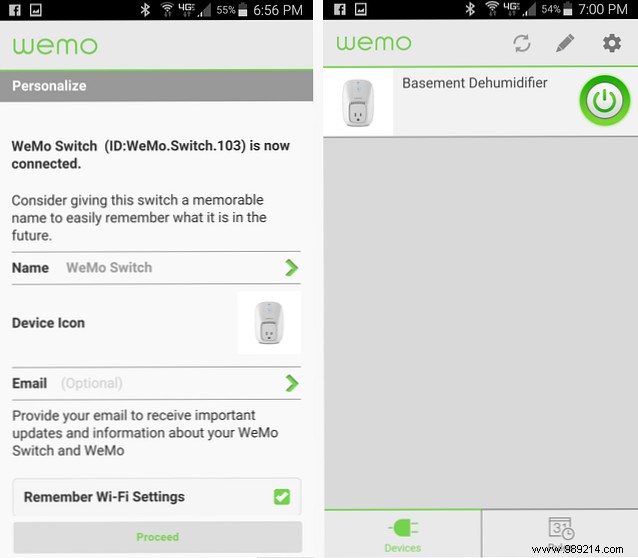
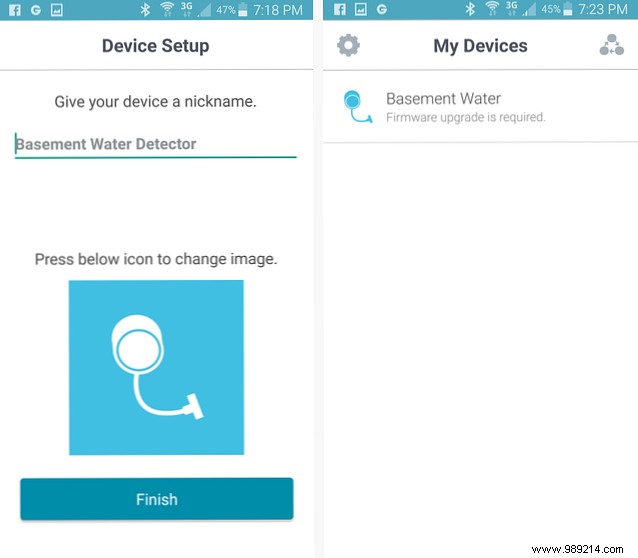
For D-Link, use the mydlink Home app. Follow the same Wi-Fi handoff, nickname it, and apply any firmware updates for security.
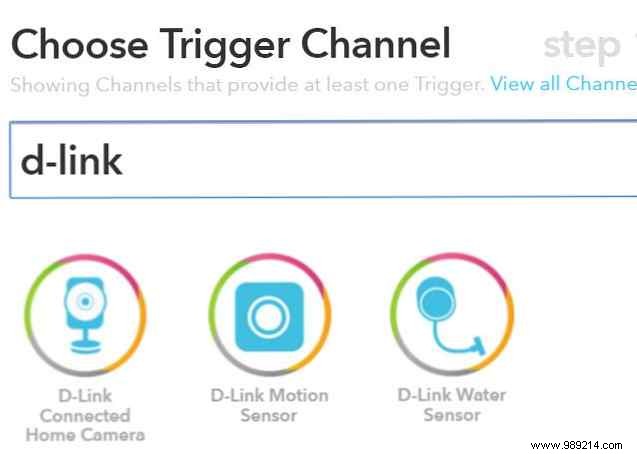
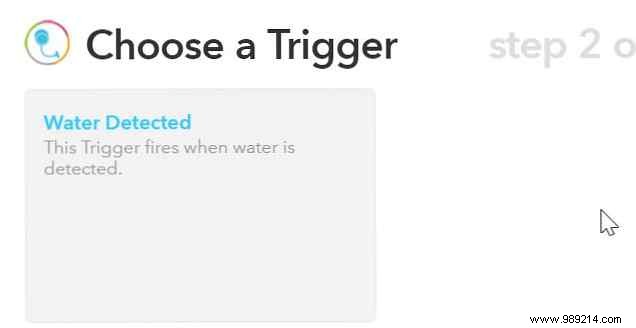
With devices online, link them via IFTTT (create a free account if needed). Search for 'd-link' and select the 'Water detected' trigger.
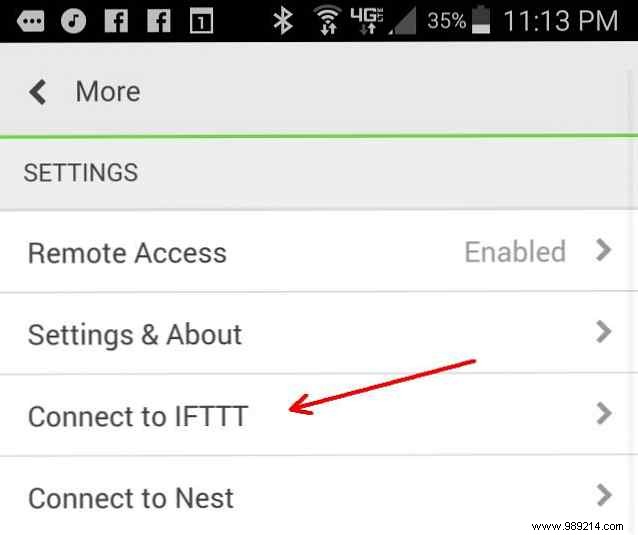
Connect WeMo via its app settings, then search 'wemo'. Choose 'Turn switch off' as the action.
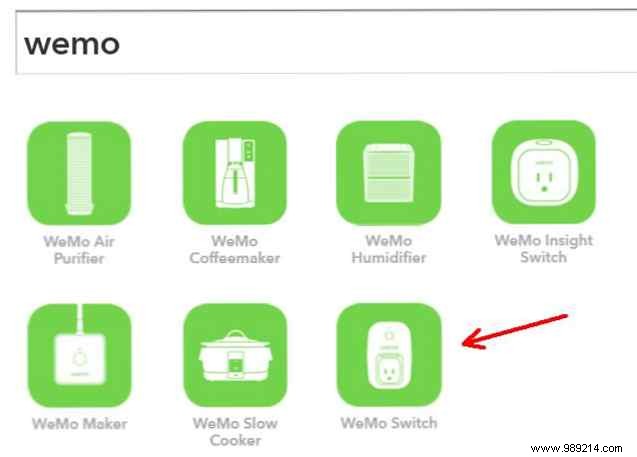
Select your switch from the list.
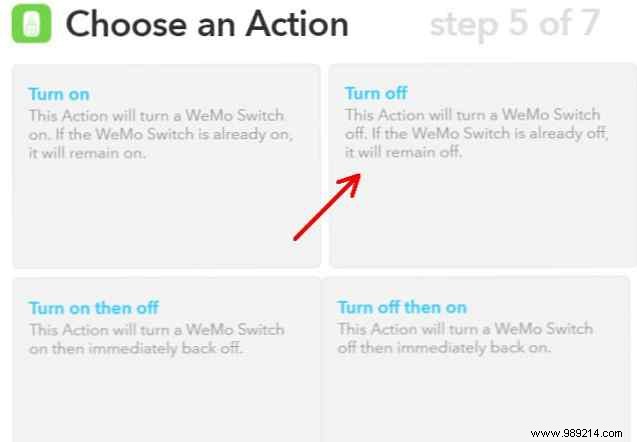

Enable notifications to alert you of leaks for quick cleanup.
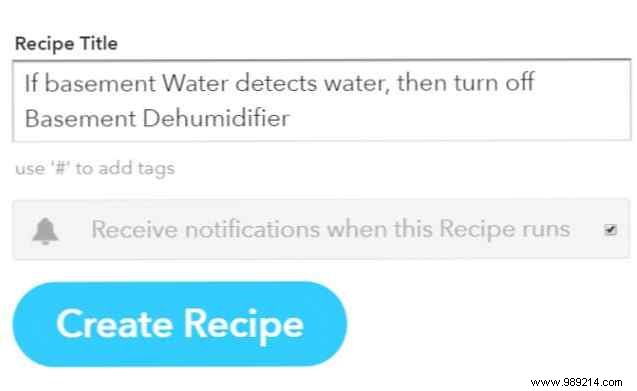
Done! Your basement is now protected automatically.
Adapt for washers or low corners by plugging the WeMo into a pump or main water source. Add a smart light switch (~$50) for under $150 total.
Have you faced a basement flood? What smart tweaks would you add? Share in the comments!
