Is your monitor, TV, or touchscreen covered in dust, fingerprints, and smudges? It's easy to grab a spray and wipe, but that risks scratching delicate LCD surfaces or damaging touch functionality. As tech maintenance experts with years of hands-on experience servicing devices, we've tested countless methods. Here's our trusted, manufacturer-aligned guide to cleaning screens safely and effectively—using simple household items.
You only need one essential: a high-quality microfiber cloth. Everything else is optional. Our recommended kit:
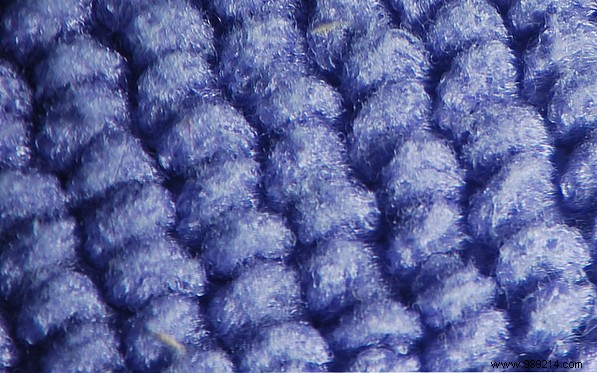
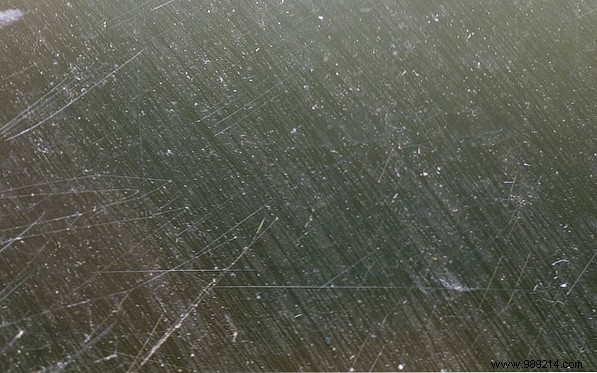
For streak-free, lint-free results that protect your screen, microfiber is unbeatable. These ultra-soft fabrics trap dust and dirt without abrasion. Grab a six-pack on Amazon for under $9. Skip paper towels, t-shirts, or rough cloths—they leave lint, streaks, and micro-scratches. Eyeglass cloths work in a pinch.

Absolutely. Microfiber acts like a magnet for dust and light smudges—simply wipe gently.
For tougher spots, lightly mist the cloth (not the screen) with warm water from a spray bottle. For greasy fingerprints, add a drop of dish soap to the water—it dissolves oils without residue.
Warm water boosts kinetic energy to loosen dirt and soap faster than cold, but avoids the heat damage hot water can cause to plastics and coatings.
Stick to our list and use common sense. Never:
Power off your device first. For light dust and prints:
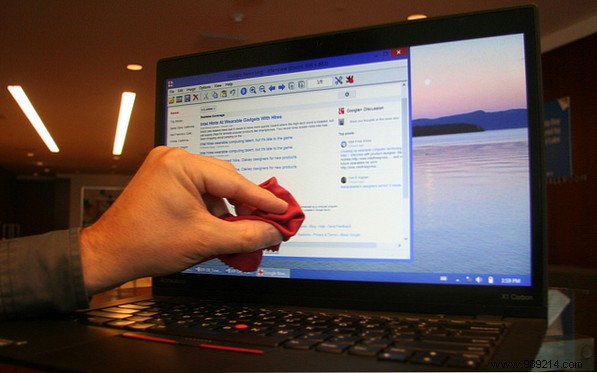
For dirtier screens:
Afterward, wash your microfiber cloth in warm soapy water, rinse thoroughly, and air-dry to maintain its effectiveness.
Pro tip: The Wall Street Journal tested screen cleaners and confirmed water plus microfiber outperforms many kits. Extend your clean to keyboards and touchpads with approved products, or follow our full PC hardware checklist for spring refresh.
